
If you use address labels that are to be sent to your own country, you may not want to specify the country. In this case, you can define a specific country as domestic.
Go to the section Management -> Countries, double-click the country entry and activate the checkbox Home Country, the entry will then be highlighted in colour.
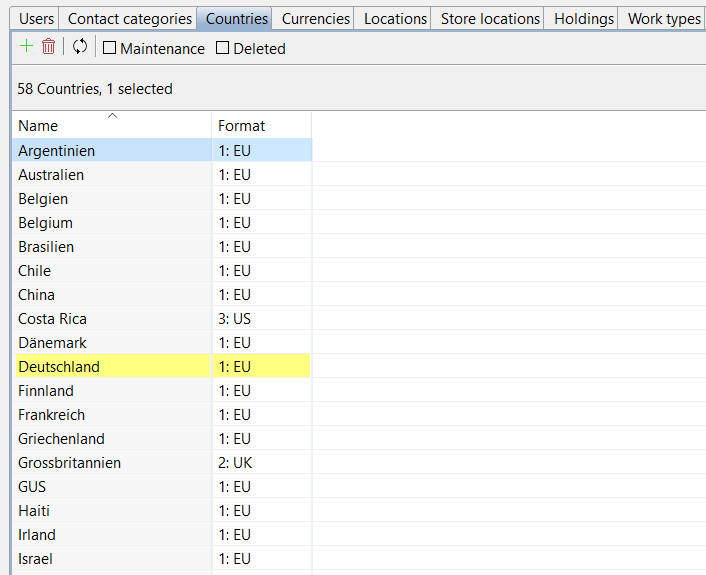
This country is then not included in the export or when copying an address. For example, you can output addresses without the country when shipping from Germany, but still filter for contacts from Germany in ARTBUTLER.