
With ARTBUTLER 2.11 and the updated ARTBUTLER Server enhanced security options are available. Please use these features if your ARTBUTLER server is accessible from the internet; this is usually the case if you access ARTBUTLER from different locations. After activation of these functions a secured connection is established by the server itself so there might be no need for an additional VPN tunnel anymore.
Password Protection
Starting with version 2.11 of ARTBUTLER the connection between ARTBUTLER and the ARTBUTLER server can be protected by an additional password for this connection. You can look up the current password in the ARTBUTLER preferences on the database tab. With the Change Password button you can set, edit or remove the password.
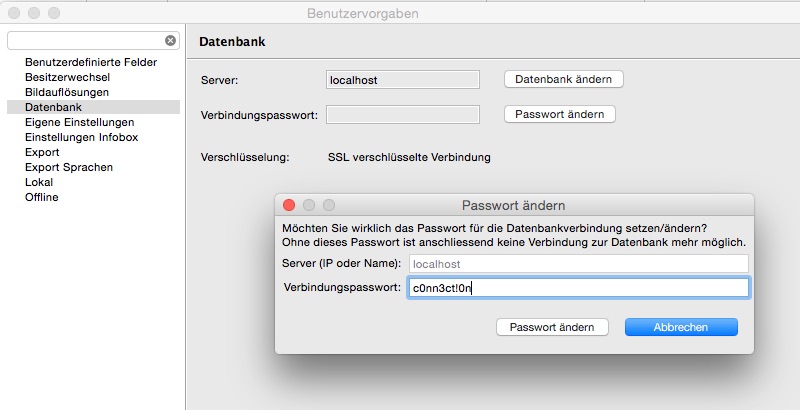
If a password has been set for the database connection, it must be entered once on all computers working with ARTBUTLER the next time you start ARTBUTLER there. After successfully establishing the connection the password is saved along with the server name and will be sent automatically the next time.