The Work State shows the current state of a work. You can add addtional information as required. You can find everything you need to know about work state in this article.
Overview
ARTBUTLER PRO offers you four classic state descriptions for an art work:
Available, limited availability, reserved, or sold.
1. Read Work State
Via Record
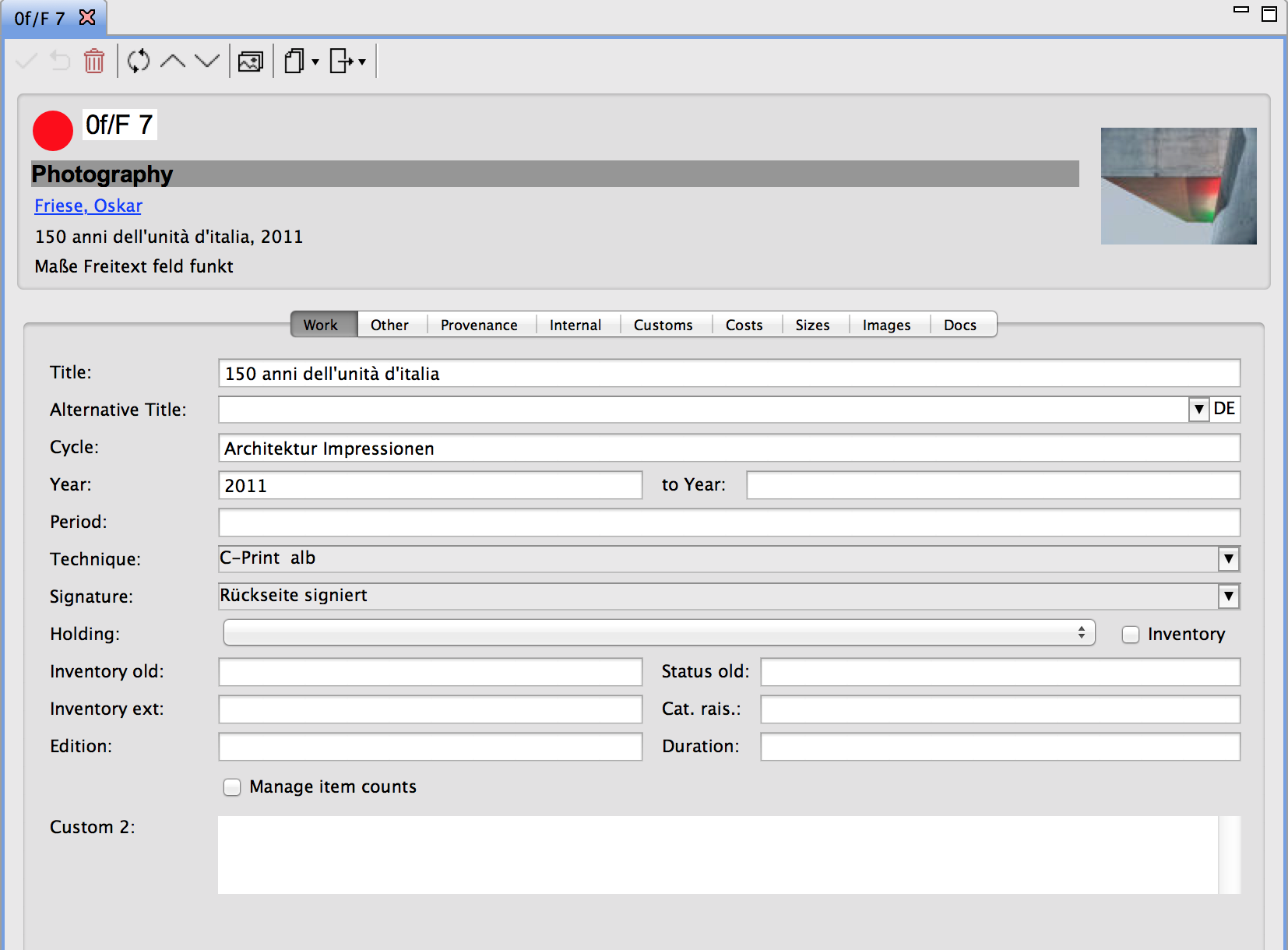
A coloured circle directly in the record indicates the state of an art work.
Here: a red circle (top left)
Via Work List
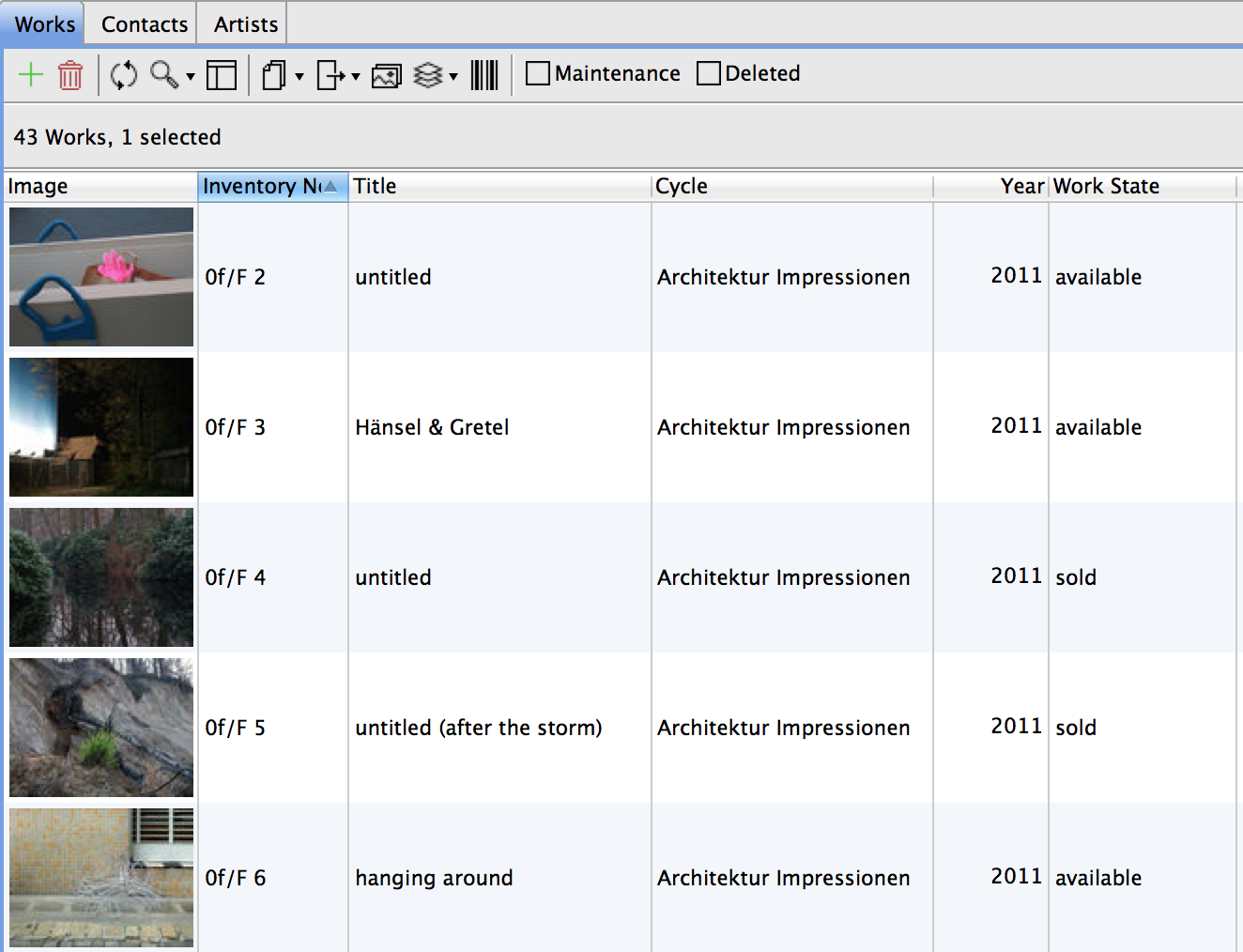
If you wish to view the status of numerous works, we recommend the list view.
Here: in the sixth column titled Work State
2. Add Your Own Work State
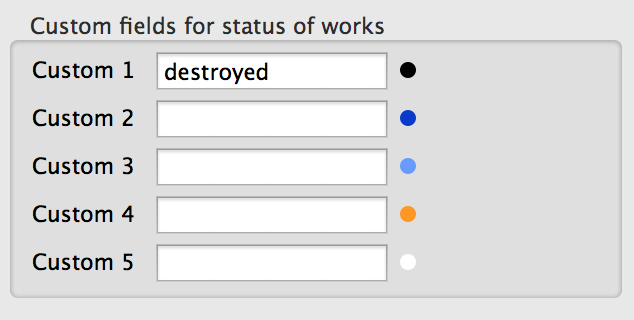
If you need more state descriptions, you may add them here artbutler > Preferences > User defined fields .
Here: the state “destroyed” was added and marked with the symbol of a black circle