

You would like to create a list of works in which you determine the order of the works yourself? This article will show you how it works.
When you create a compilation of works in Artbutler, such as an exhibition or commission, you drag the works from the work list on the right side to the work chart as usual.
- If you would like to change the order of the works later, e.g. after the hanging of the works, you can do this easily with the arrows. Mark one specific work and use
 and
and  to determine the position of it inside the work list.
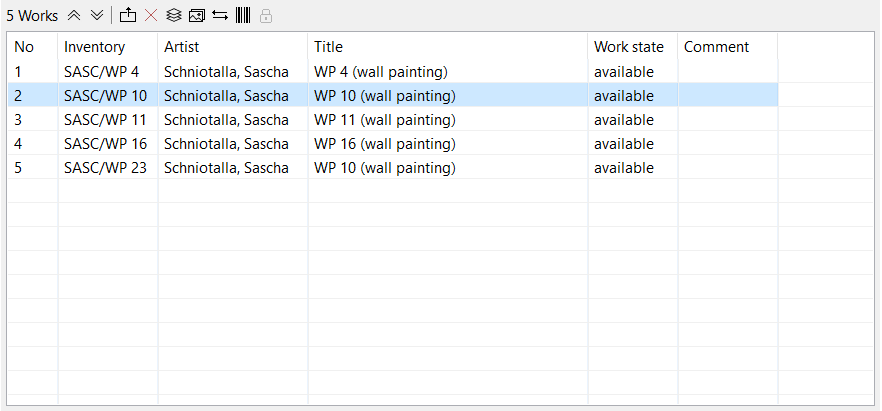
- It goes even faster with the mouse: Simply drag and drop the work to the desired position. Now you can, for example, export a price list of the exhibition that corresponds to the tour in the gallery.
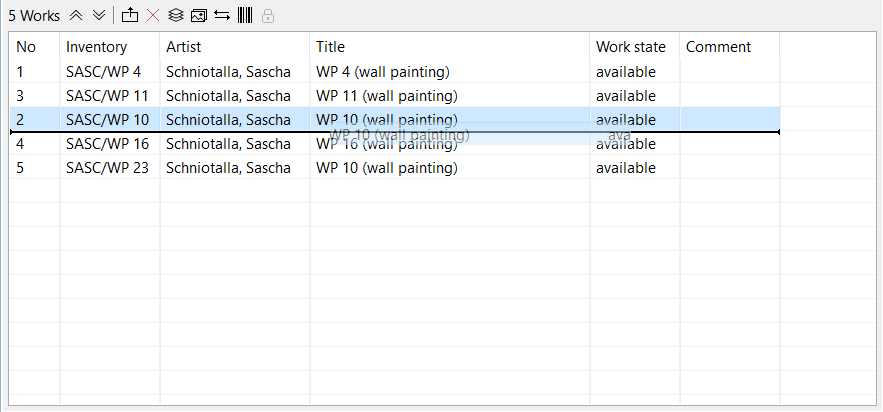
- You can also sort the work automatically by inventory number, title, etc. by clicking on the respective tabs. As soon as you have finished reordering your list, confirm with the Save-button
 .
.