
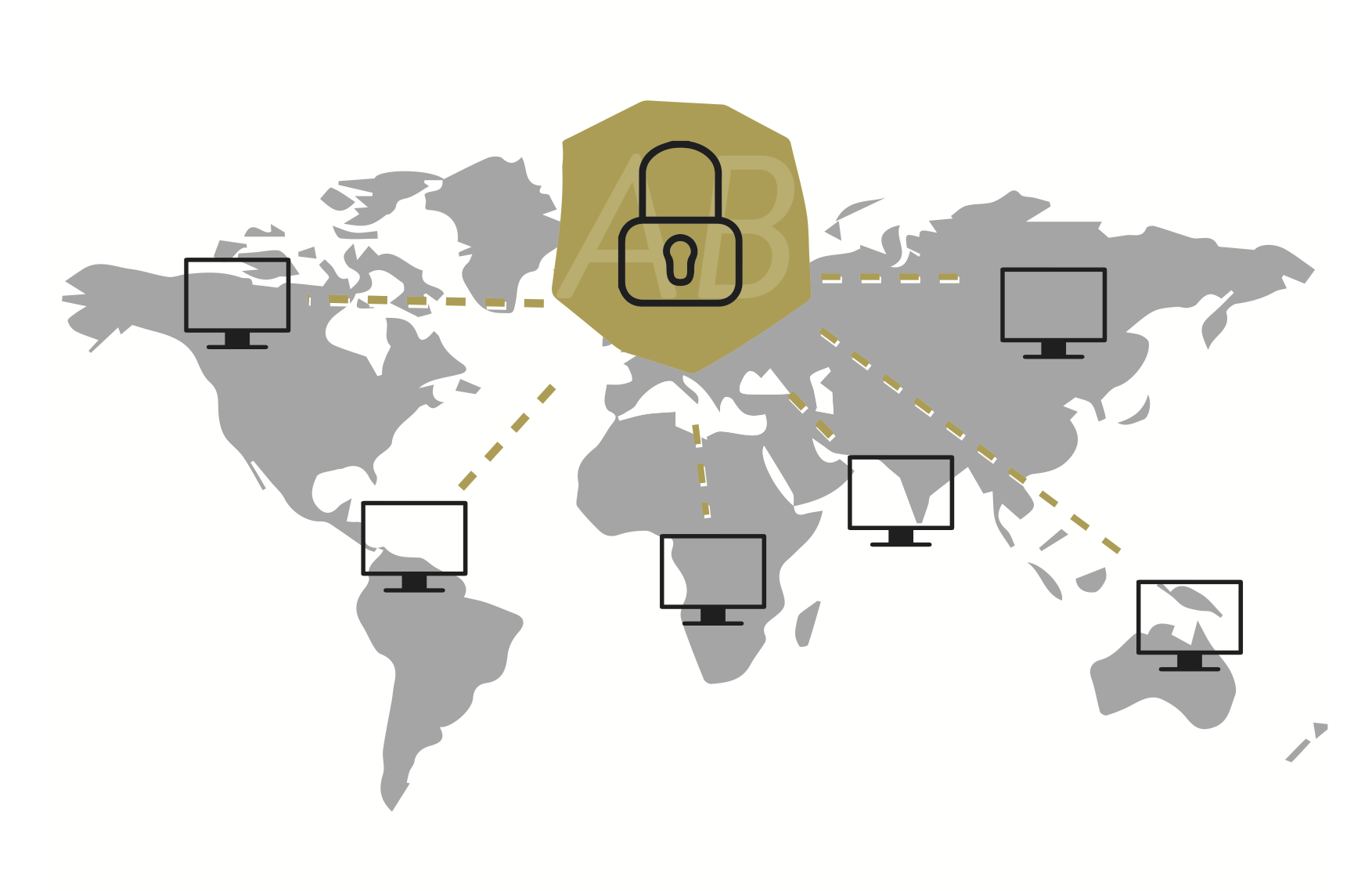
If ARTBUTLER is to be used permanently from different locations, a centrally provided database on an external server is the ideal solution. With the remote server database, ARTBUTLER can be used wherever a reasonable Internet connection is available.
How it works
- Your database is hosted on one of our database servers in a secure data center and is accessible via the internet.
- The connection between your ARTBUTLER program and the server is secured by SSL encryption and an additional password.
Note:
Only the database is provided on our database server itself. The directories linked to ARTBUTLER – including images, export templates and documents – must be provided separately. The easiest way to do this is with a file hosting service such as Dropbox.
Next steps
Would you like to use ARTBUTLER PRO from different locations? It’s quite simple:
- Apply for database hosting. Costs: EUR 99 one-time setup, EUR 24 per month, each plus VAT.
- Make sure that all computers can access the directories linked to ARTBUTLER. Detailed instructions can be found here.
- Send us a manually created backup of your database at a previously agreed handover date.
- Once the remote database is setup you will receive an e-mail with your new access data. All you will need to do now is change your access data once in your ARTBUTLER account. That’s it!
Check your internet connection
To check if the requirements for remote hosting are met, you can test the quality and speed of your Internet connection under the following link. The most important indicator is the value for the response time of the server, the so-called ping, which should not exceed 40 ms. If you have any questions, you can simply send us an e-mail with the result of the online test.
