

You have created work lists and would like to present the works images as series or browse through them quickly and easily? With the slideshow feature, you can display independently occurring sequences of work images in full screen mode.
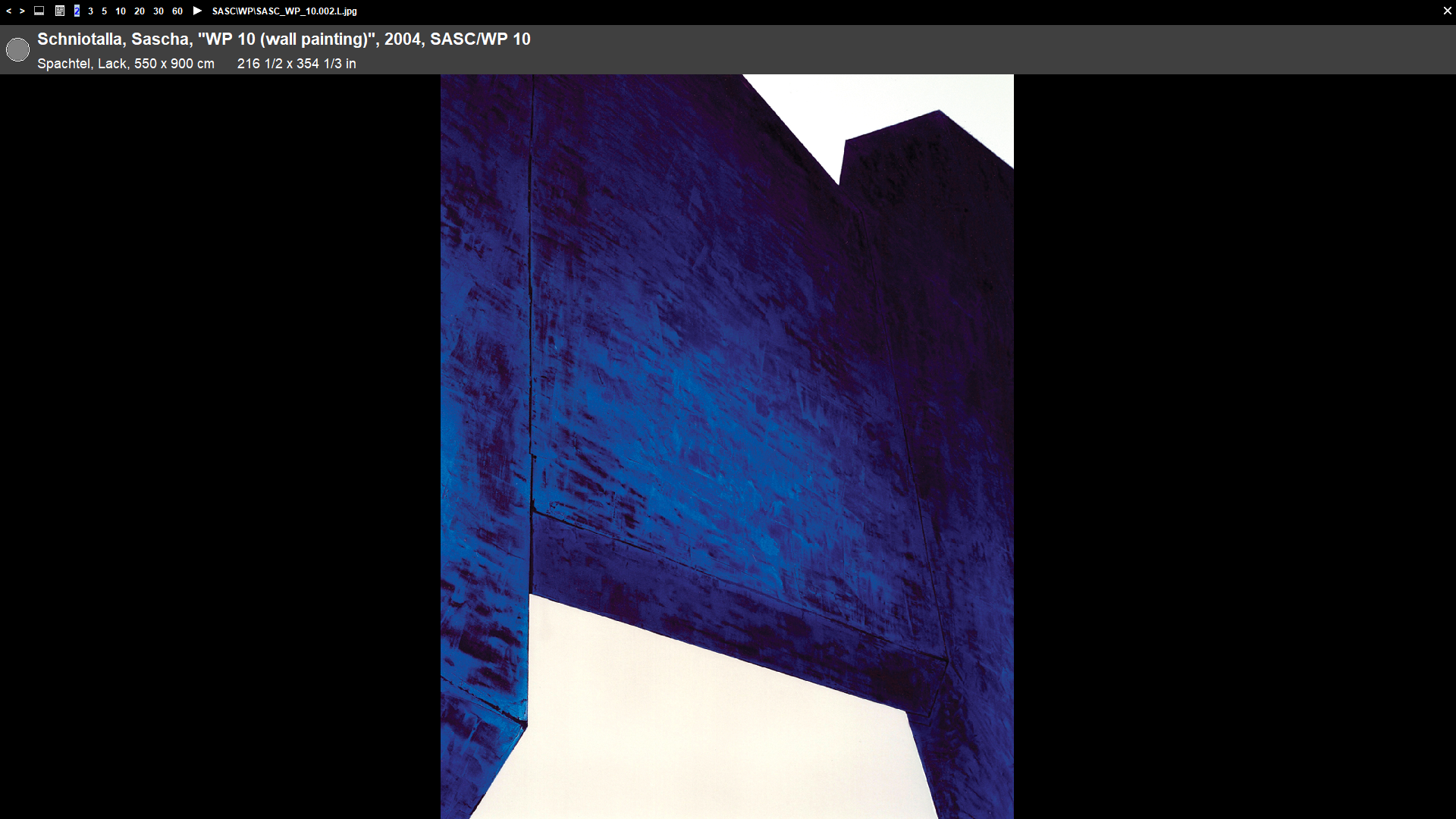
In Artbutler, you will find the slideshow-button  in the areas Worklist, Workgroups, Exhibitions, Consignments and Invoices, above the work charts.
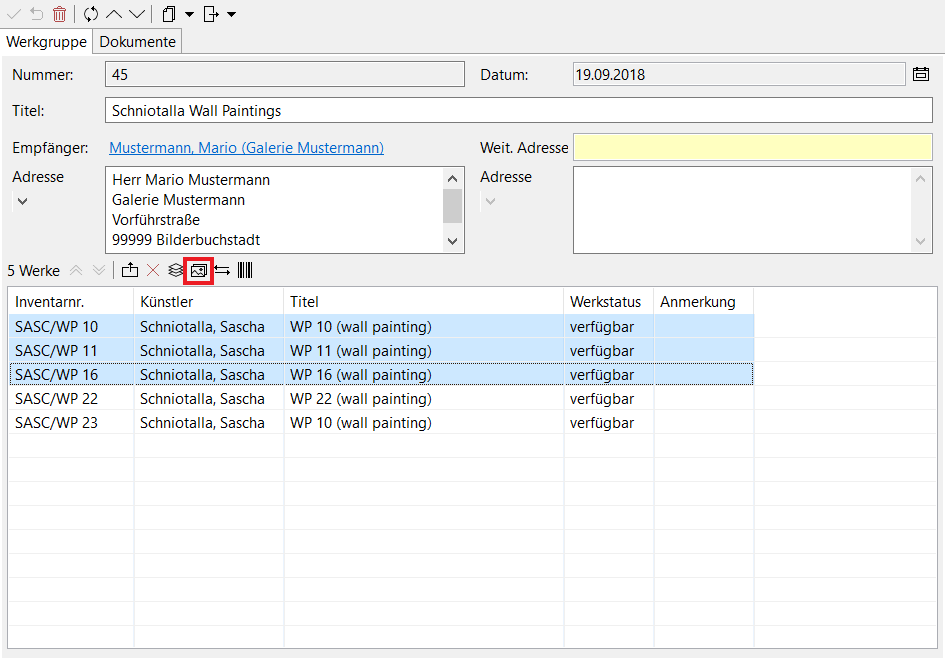
This is how it works:
- Select the desired works and click on the slideshow-button .
- Now, in slideshow mode, you can browse through the works using either the two arrows
 in the top menu bar or your keyboard arrows.
 - Set the display duration of each image by selecting 2, 3, 5, 10, 20, 30 or 60 seconds and clicking on the play-button
 .
. - You can display all selected works in a bar underneath the default images, using the third button
 in the upper menu bar.
 - Pause the slideshow by clicking on
 .
. - Close the slideshow mode by clicking on
 or the Esc-button on your keyboard.