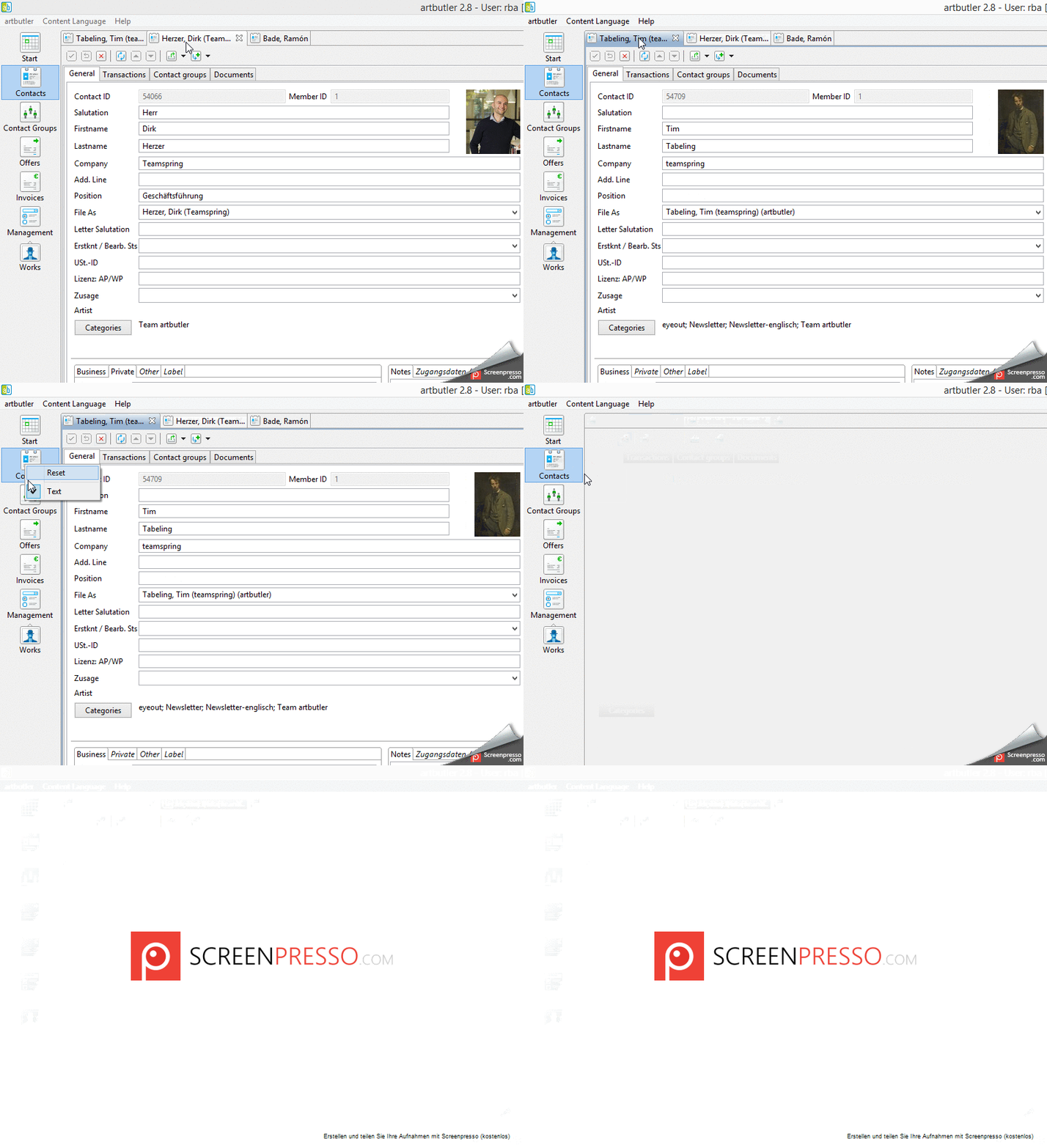
This article shows how you can reset the view of opened contacts.
1. Abstract
Your machine runs slower and slower and you don’t want to see all your contacts in one window anymore?
So you can reset your contact view with just a few clicks.
2. Instructions
Maybe you opened to many contacts, cause ARTBUTLER is not deleting it by itself.
Therefore you have to do it manually.
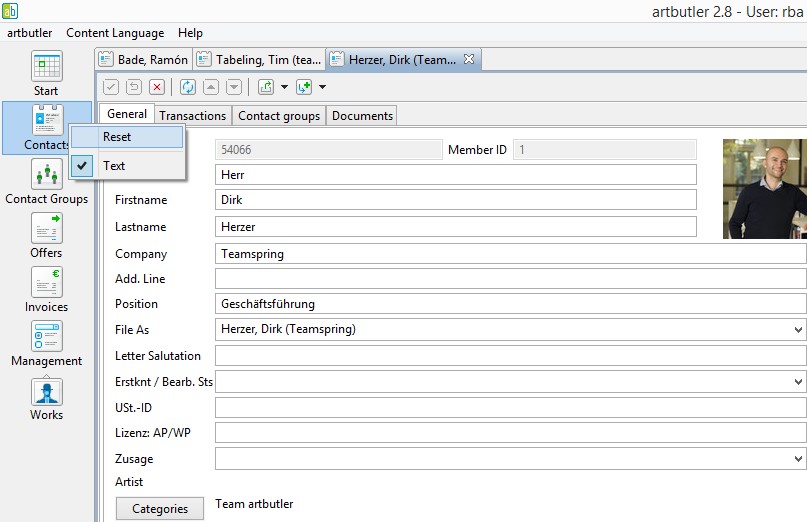
- Move the mouse pointer over the part of the control panel you want to close (e.g. contacts, works, etc.)
- Right click
- Click “reset”
That`s it! You can do it the same way with works, invoices, etc.
3. Screenshot
4. Video