

This article shows how you can export a document, e.g. a worklist, accompanied by all related image files. These files can then be sent to the media, galleries or collectors.
Step by Step
Images
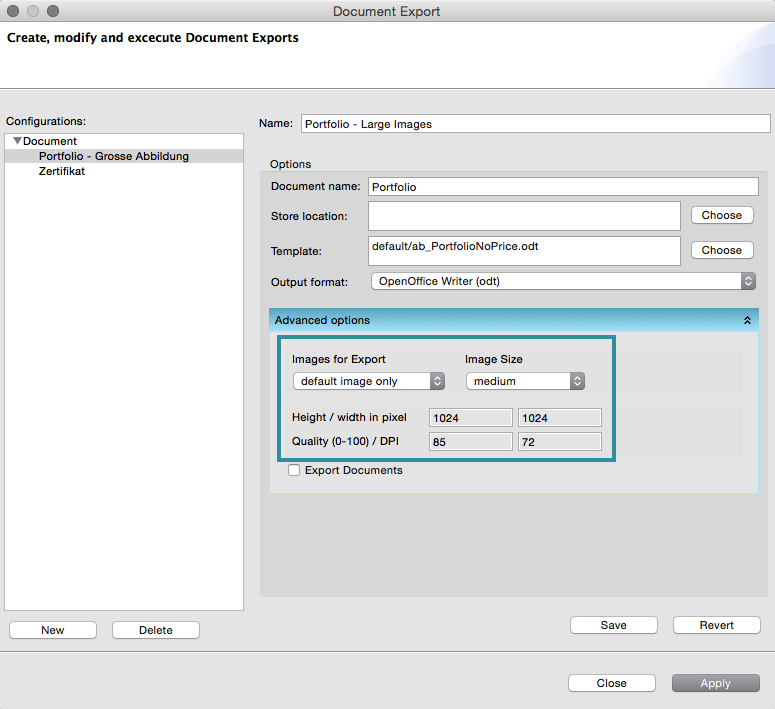
If you need the image files together with the document when exporting a record, e.g. a work or exhibition, click the Advanced Options tab in the export options.
Here you can select which images you need and choose their size (small, medium, large, or original) and quality. The export will then create a ZIP archive containing the document (e.g. a worklist) and a subfolder binary with the selected image files.
As always these options can be saved in an export configuration for later use.
Linked Documents
It’s also possible to export the linked documents of the 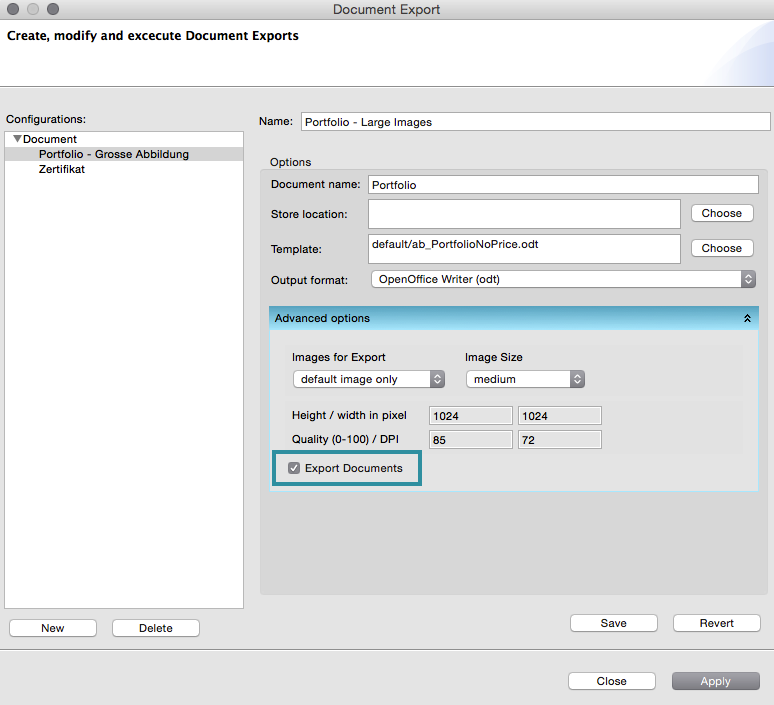
exported record this way by ticking the
Export documents checkbox.