It’s annoying when art works are mistakenly for sale – they might be on commission or have already been offered to another client. This may happen amidst the hustle and bustle of an art fair. The info box will help you and your team avoid such mistakes. Find out how you can benefit from the info box below.
1. General information
Have you been asking yourself what the discrete abbreviations mean that are featured with some art works? You can find them at the top of the work record in a little yellow field to the right of the menu buttons.
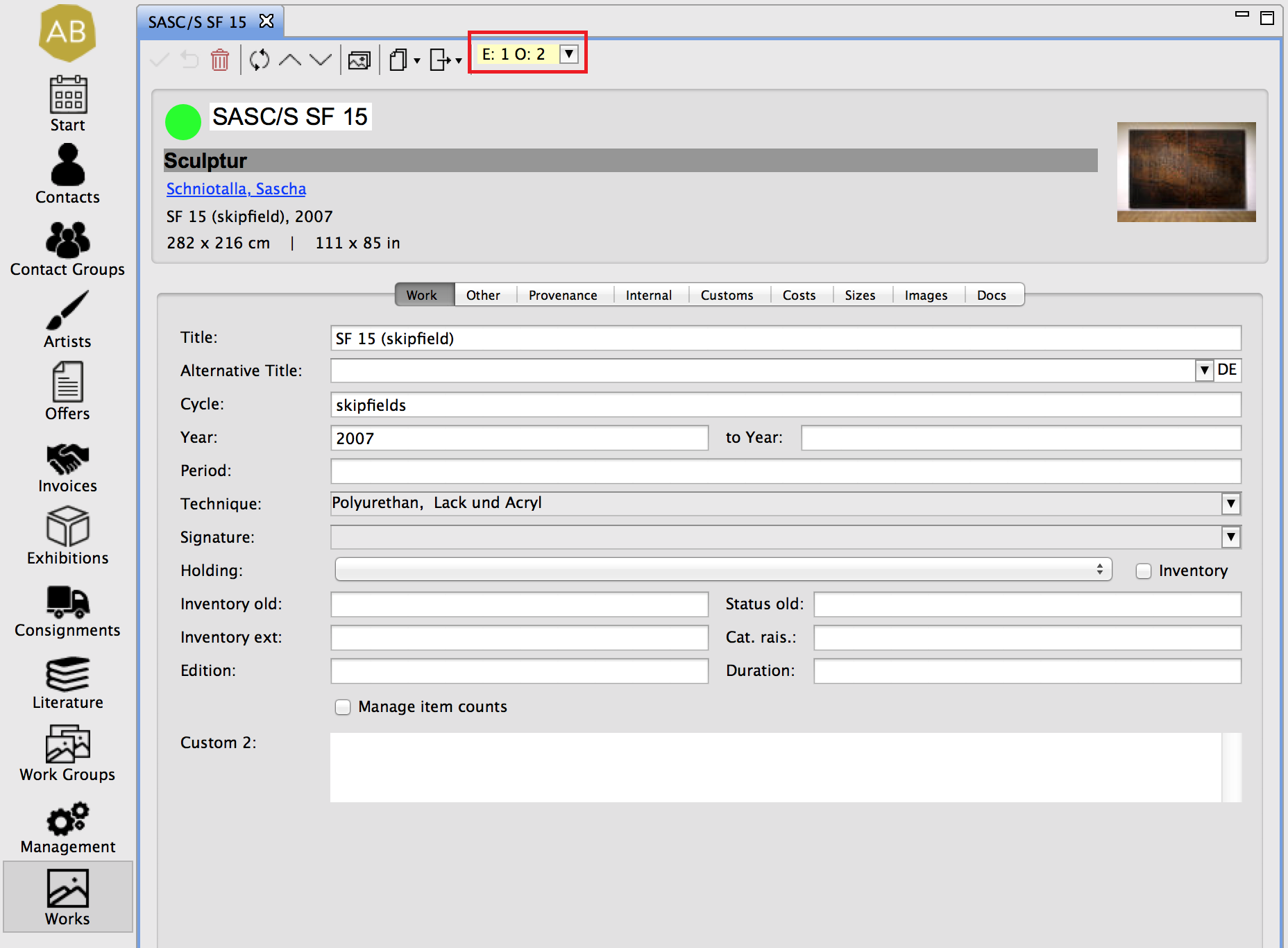
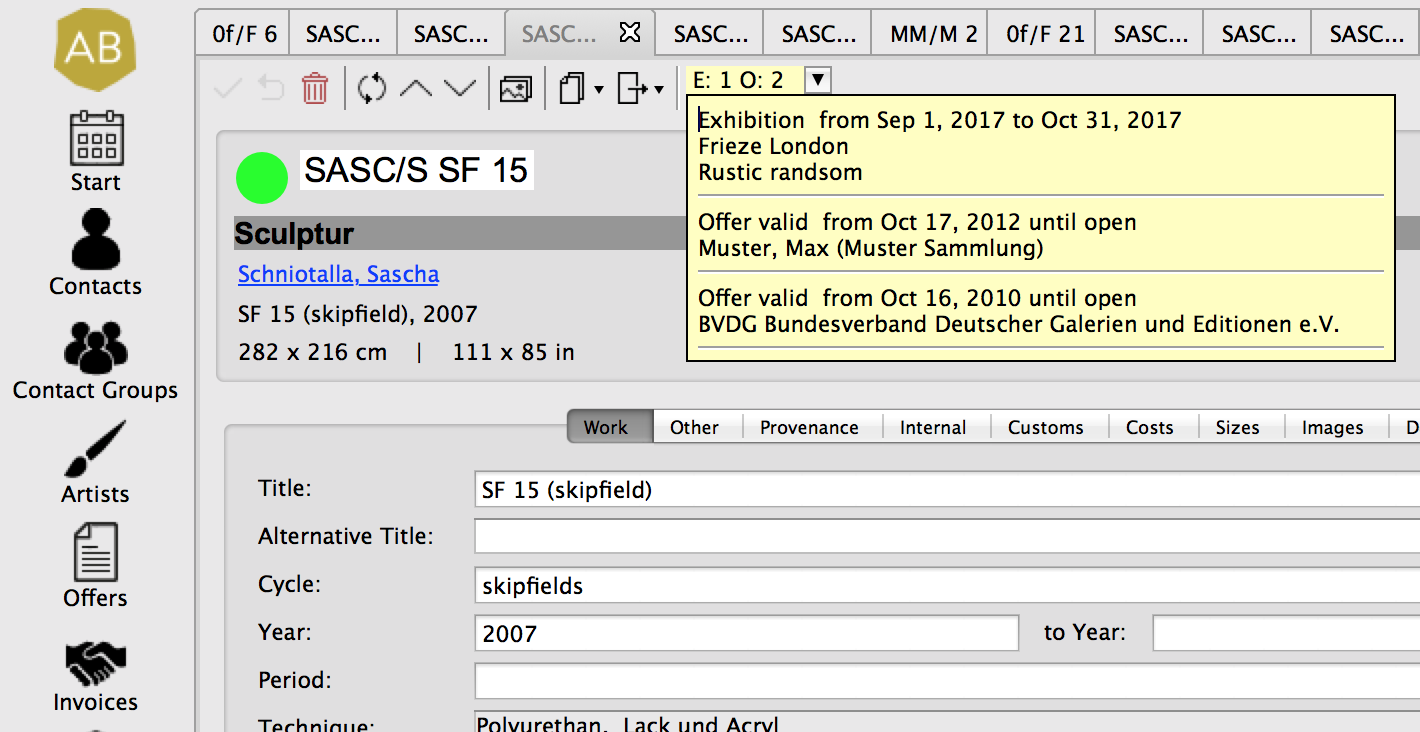
This is the info box that supplies you with information on an art work’s current availability: Here you’ll see the number of ongoing consignments (C), exhibitions (E), and offers (O); a click on the info box will reveal a drop-down menu with further information. Double click an item to operate.
2. Settings
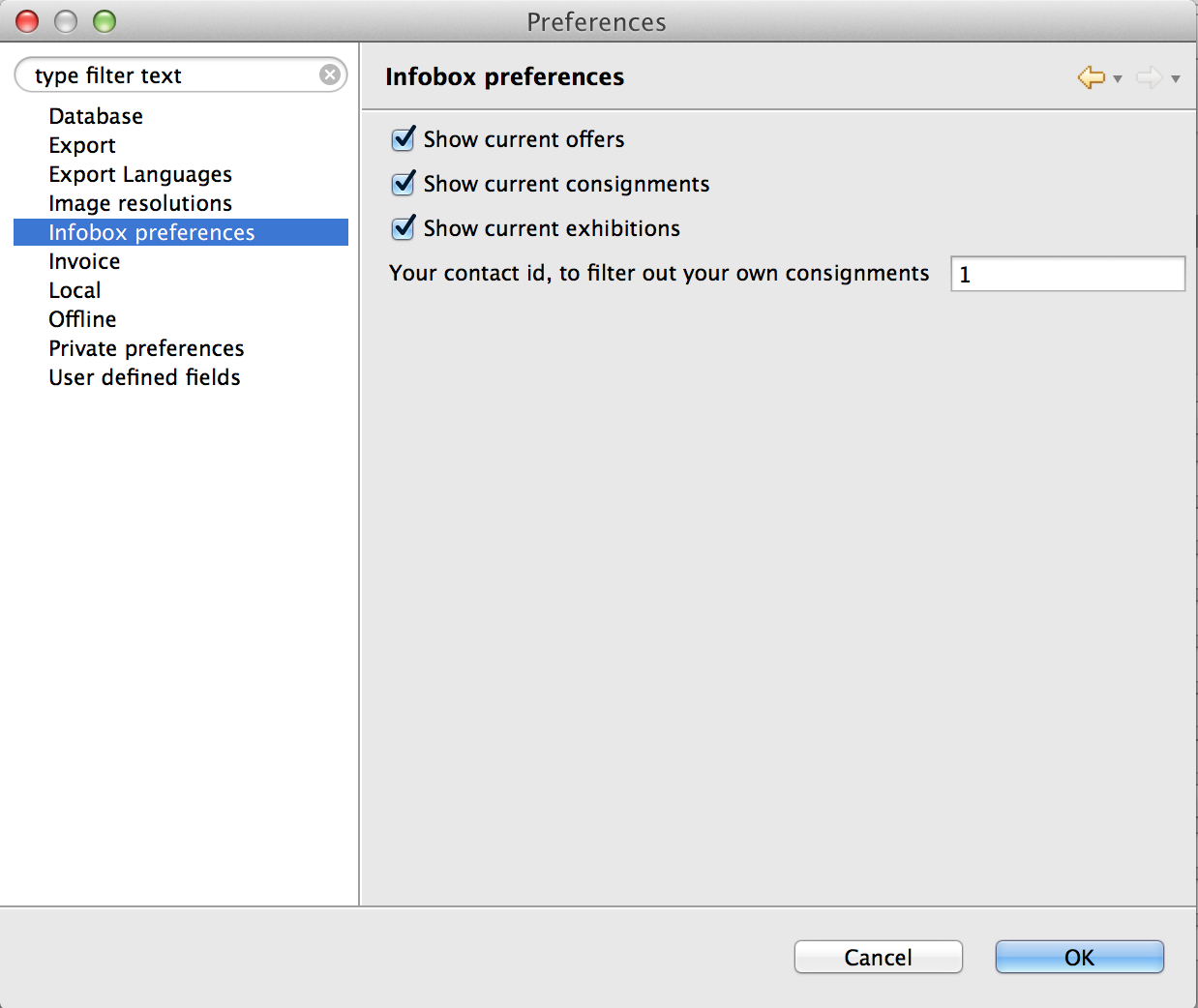
Determine what should be displayed in the Artbutler Preferences on the Infobox Preferences tab. Additionally, you may hide commissions you received from your partners by entering your own client number as this doesn’t concern your works’ availability.