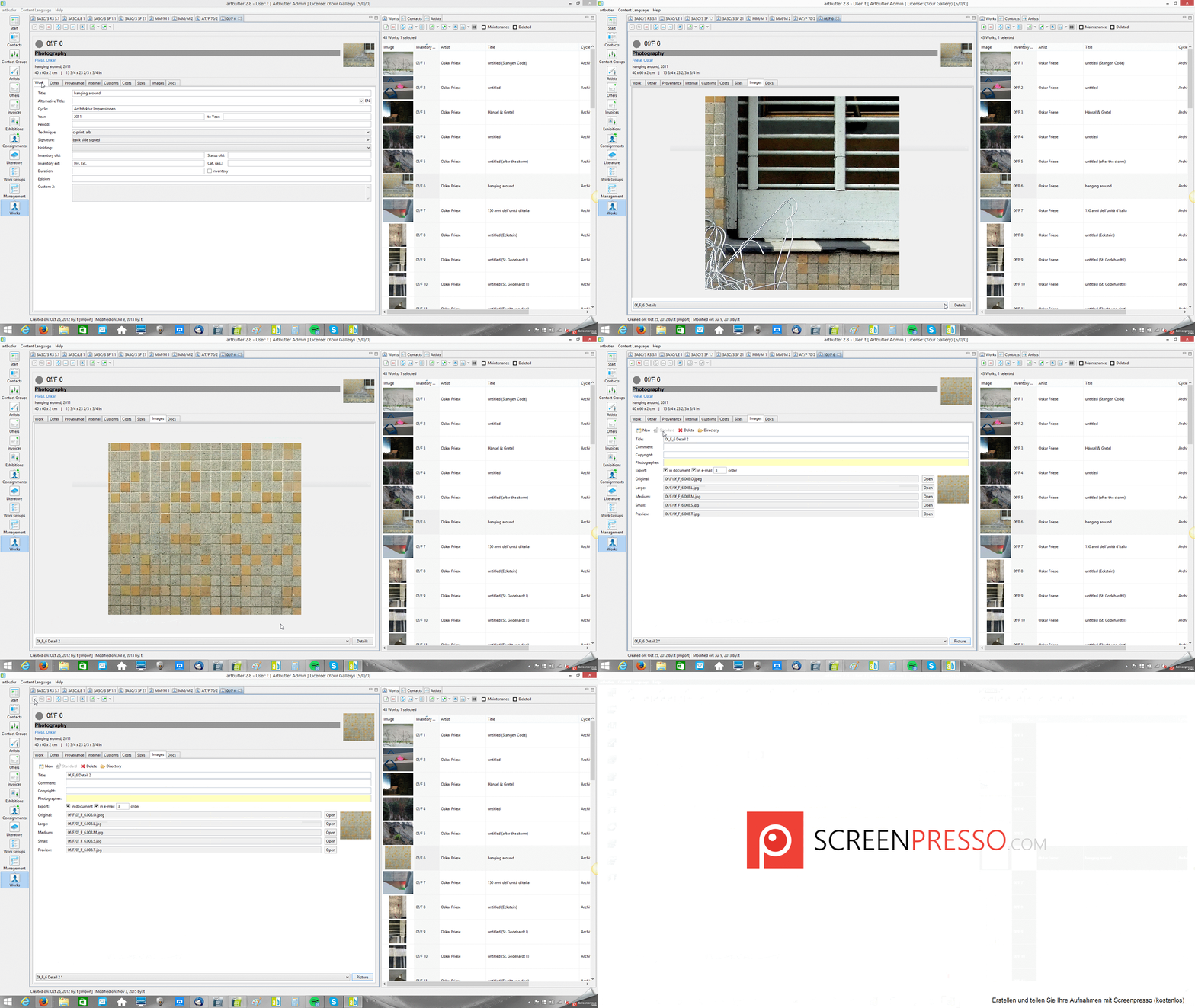
This article shows how you can change the standard images for works.
1. Abstract
With ARTBUTLER, you can save as many images as you like for each work. This is helpful for installations or close-ups of your works. The standard image that you see in the works list is the image that you added to the work first. If you would like to define another image as the standard, it’s easy to do.
2. Instructions
1. Select the image you’d like to use as the standard image from the dropdown menu beneath the work
2. Click Details to edit the image
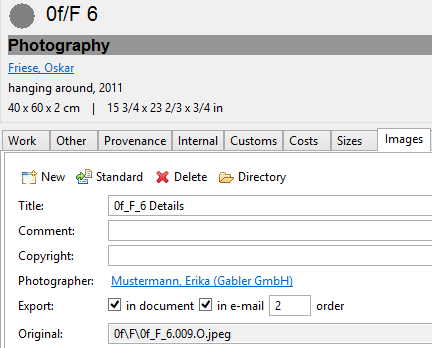
3. Click Standard Now the selected image will be used as the main image.
Tip: Under Details you can edit other detail information related to the image. For instance, you can link a contact as the photographer for later searches or give the image a title such as “Installation View, Venice Biennale” in order to use that title for creating documents.
That’s it!
Note: In our template portal, you can find a template that shows all images with appropriate image titles.
3. Screenshot
4. Video