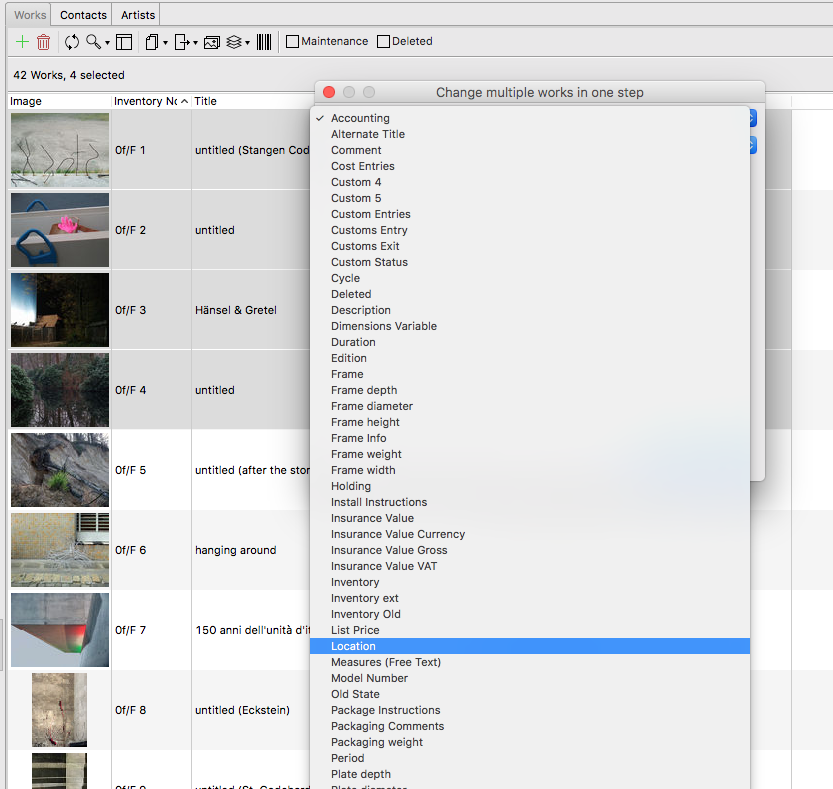
Make changes to multiple works within the work list in one step (bulk processing). This can be useful when you wish to increase the price of an artist’s equally sized works. When you organize transports and wish to change the location on the entire transport list from “storage” to “transport” and later to “fair”, this can be helpful to maintain an overview.
How to edit works in one step
- Select all works you wish to edit.
- By clicking Change multiple works in one step you can choose the data in Data and then the relevant field you wish to change for the work, e.g. “location”.

- You can make changes to all selected works in the following dialogue