Utilize the user-defined date fields in contact records.
You can rename your user-defined date fields in “follow up” and/ or “birthday”, for example. You can enable the display of these fields on your ARTBUTLER starting page or you can search for all appointments for the current week.
Find out how to use date fields correctly.
How to rename date fields
- Go to artbutler > preferences> user defined fields and write your desired field name, e.g. “birthday” or “follow up” in the empty field next to Cust. Date 1 in the user defined fields for contacts.
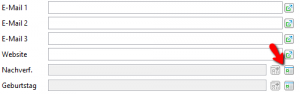
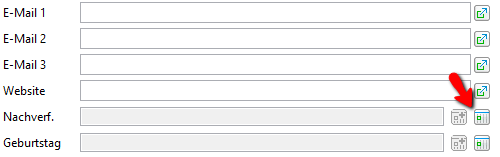
- When you open a new contact, you will see the changed field name in the corresponding field at the bottom right
- By clicking the calendar symbol “Select new date or reset” you can enter a date in the field. The button to the left of the field will also transfer the date into the appointment overview on your starting page.