
Overview
In addition to taking notes, our new Documentation tab allows you to record any communication you had with your contacts in your contact records. You can assign user-defined contact types as well as precise dates, allowing you to search for important events within a specific time frame as well as exporting your documentation.
Create documentations
Create contact types you wish to use in the Management section, for instance DSGVO/AVV, newsletter subscription, initial contact, Art Basel, Art Cologne, Tefaf Maastricht, etc.
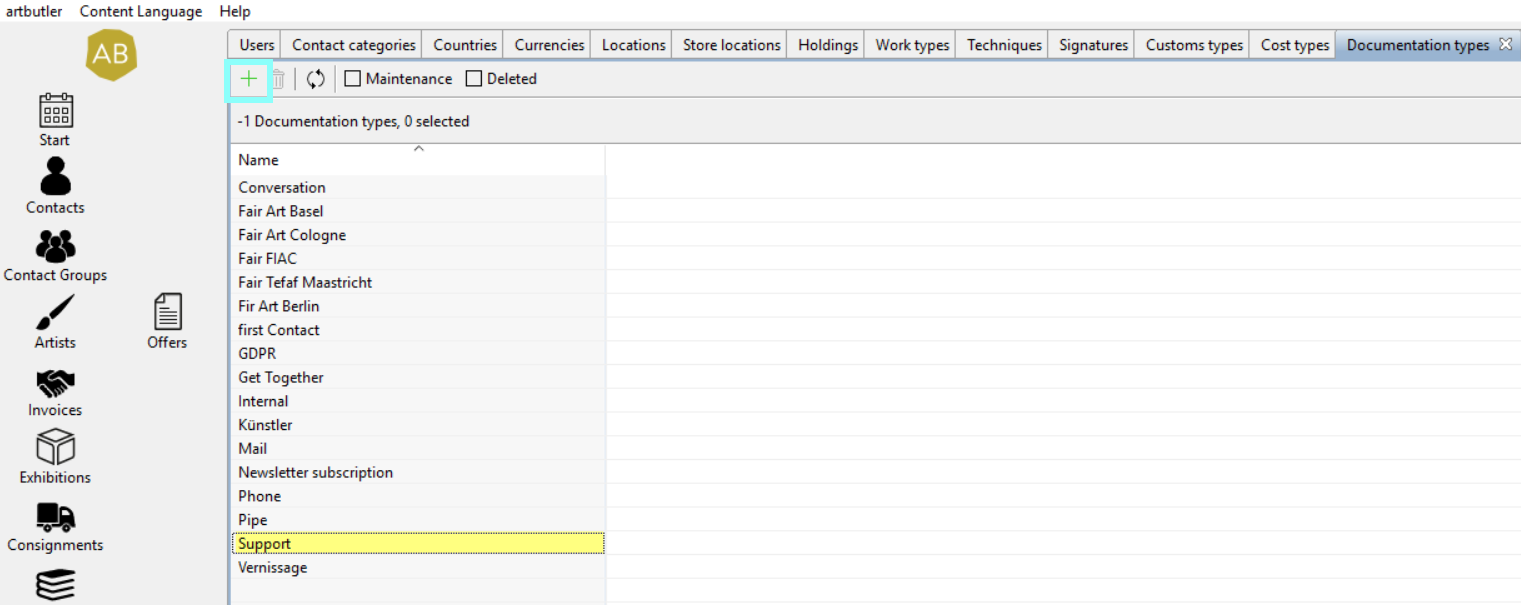
Tip: For a preselection of a specific type when creating documentation, opt for “default”.
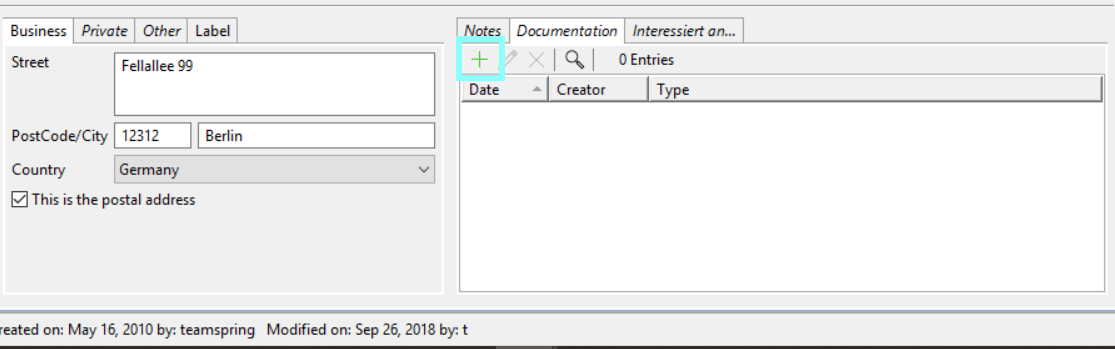
Go to the Documentation tab in your contact records and click the green plus sign to create a new entry.
Enter date and notes in the newly opened window and select the contact type in the dropdown menu.
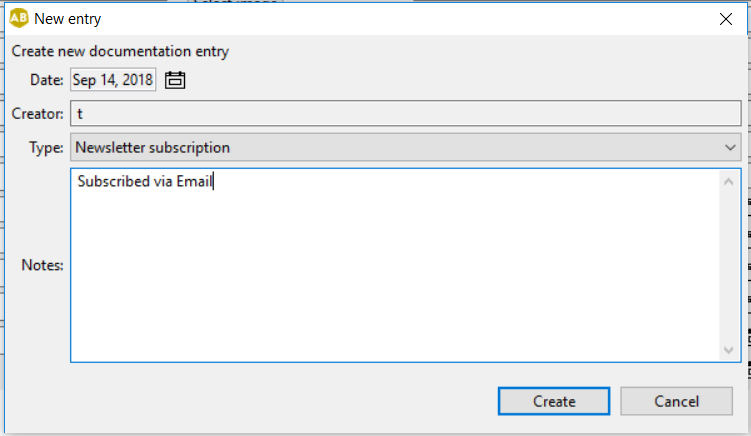
Here you can record newsletter subscription confirmation, initial contact, or regular art fair visits, allowing you to search for contacts you met there.
Search for specific entries
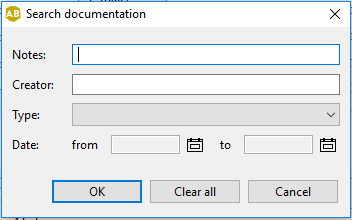
Click the magnifying glass above the list of entries to search for specific contact entries.
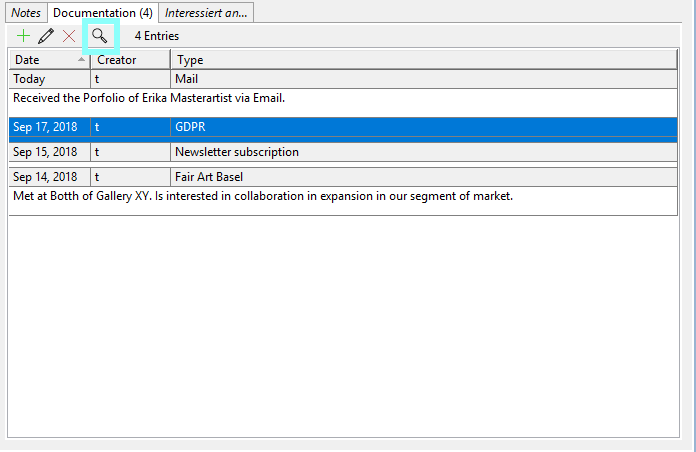
Her you may filter all your notes according to entered note, creator, type, and time frame. You may also use our Quickfilter to find all contacts who subscribed to your newsletter this year, for instance.
Export documentations
You may output your documentation or only export certain entries via Conditions, such as information regarding initial contact and/or newsletter subscriptions. Find an example and more specific information in our updated Reference Templates in our contact_complete.odt file.