Usage
Only by inserting the contacts into the yellow fields will ARTBUTLER link them to the record.
If you link all your data records in this way, you will soon have a database that offers you clear and instructive information. Where do my artists exhibit? Which customers pay on time, which do not? Which contacts have many works on commission?
Go directly from a record to a contact
For example, in an offer, simply click on the blue underlined contact in the recipient field and you will be taken directly to its contact view. This can be useful if you want to quickly look up which works have already been offered to this customer in the past on the “Works” tab.
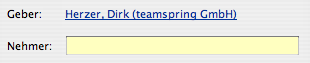
Such links can always be found in ARTBUTLER where you have the possibility to enter a contact via drag and drop into a yellow field.
For example, invoices, offers, work groups and commissions.
From the perspective of a work
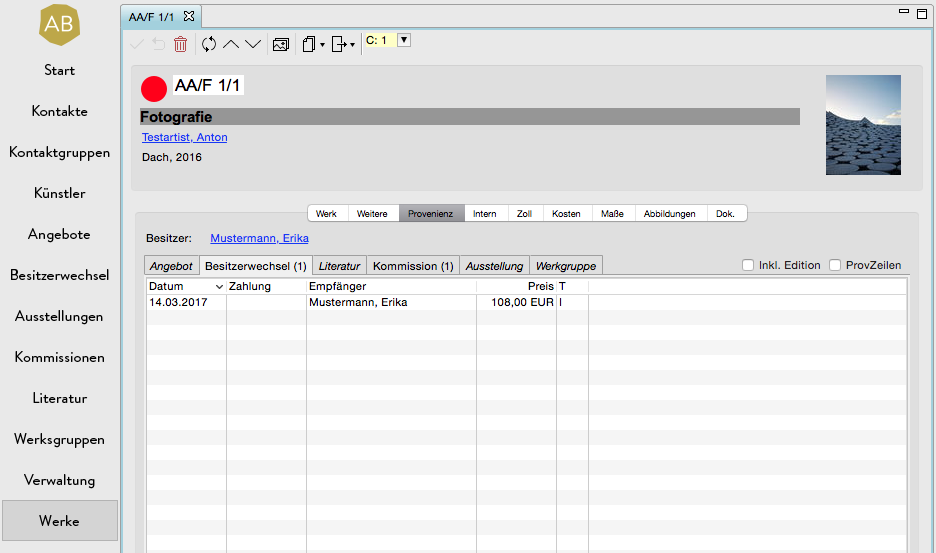
Under the tab Provenance
For example: Work > Provenance > Invoices:
From the perspective of a contact
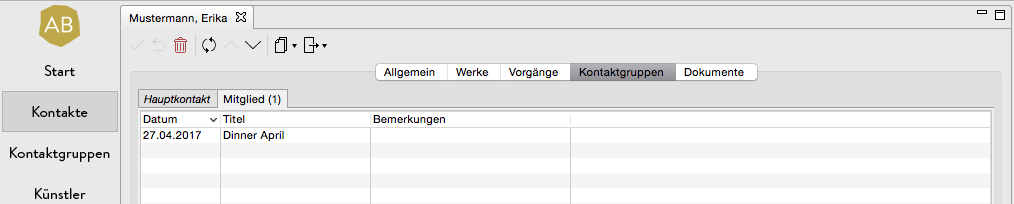
Under the tabs Works, Transactions and Contact Groups.
For example: Contact > Contact groups > Member: