

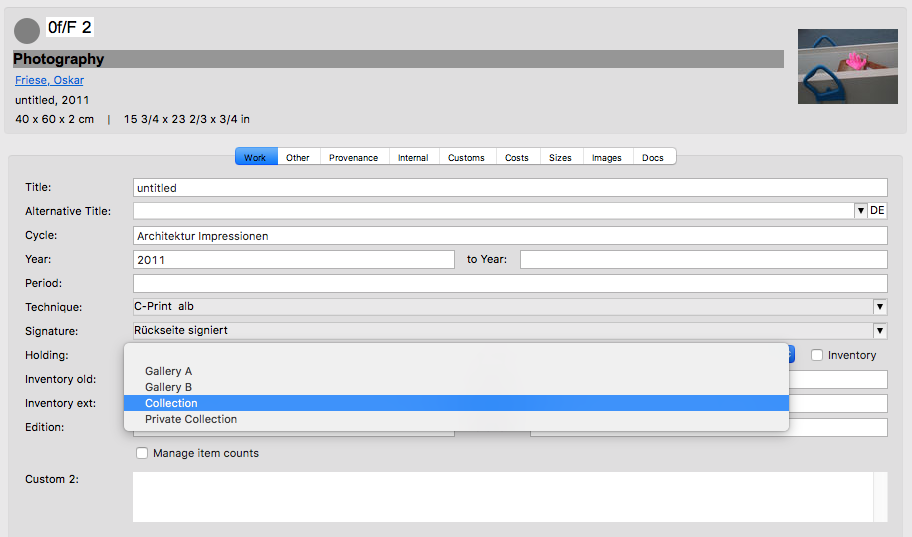
With the help of ARTBUTLER, you can manage various work holdings in one database, for instance, when companies handle different business areas via affiliates or branches, or when legacies, work catalogues, or collections have also been recorded in ARTBUTLER. To organise these holdings, go to Holding in the first work tab’s dropdown menu.
Manage Holdings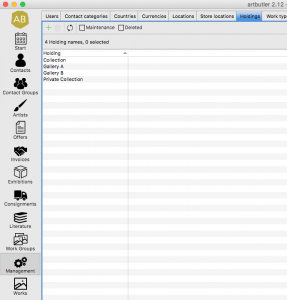
Using the Holding Menu, assign your works to different holdings.
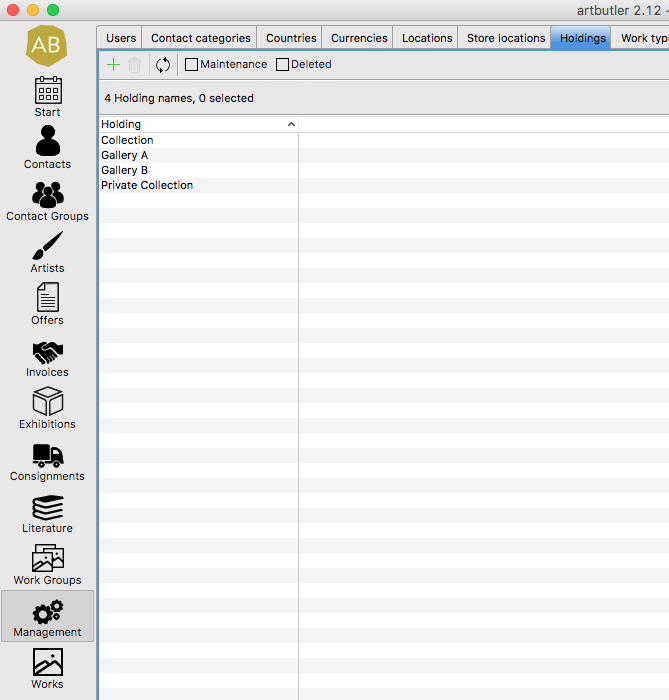
Define specifications for this menu in Management > Holdings double-click an entry to change it. Create new entries using the green plus sign, and remove irrelevant entries with the red delete button.
For each work you may now choose between one of your holdings, which you have defined in Management Select the relevant holding from the dropdown menu.
General Assessment
Concerning a general assessment of your gallery or storage, it’s wise to record all works regardless of ownership status and the inventory they’re assigned to. Manage location and storage for this.
Find more information > here
Inventory
In addition, you may find the Inventory Checkbox below the Holding Menu, allowing you to mark which works belong to your inventory and need considering when taking inventory.