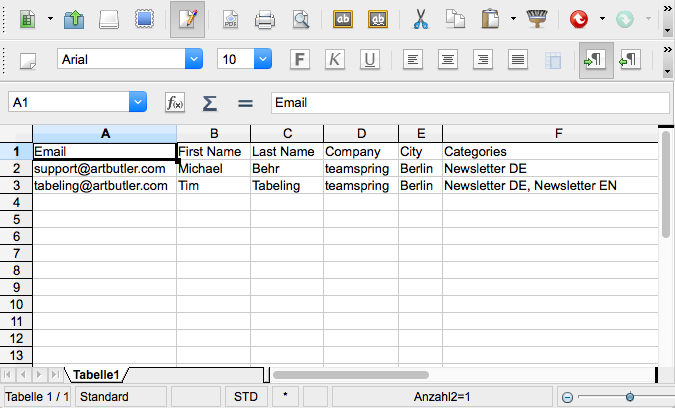
Maintain your contacts and get rid of duplicate contact records. This report exports a list of contacts where multiple records with the same email addresses are available
Upload work data, groups of works or exhibitions directly to your ARTBUTLER NEXT account. These export templates allow the transfer from ARTBUTLER PRO to ARTBUTLER NEXT.
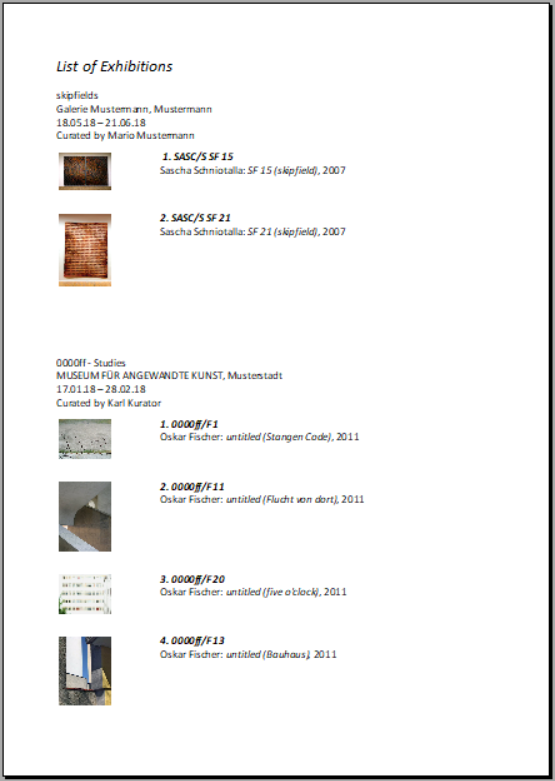
This template exports a list of selected exhibitions from the exhibition list including the works on display. [tw_service][tw_service_item item_animation=”none” item_animation_delay=”” service_style=”style_2″ thumb_type=”fa” service_thumb_width=”20″ service_thumb=”” fa_type=”circle” fa_size=”24″ fa_padding=”9″ fa_color=”#fff” fa_bg_color=”#3C9CAC” fa_border_color=”#3C9CAC” fa_rounded=”0″ fa_icon=”fa-info” cc_type=”text” cc_line_width=”8″ cc_text=”80%” cc_percent=”80″ cc_size=”100″ cc_font_size=”30″ cc_font_color=”#2dcb73″ cc_color=”#2dcb73″ cc_track_color=”#f9f9f9″ cc_icon=”icon-html5″ title= more_text=”” more_url=”” more_target=”_blank“]Reminder: In order to have a chronological list please sort the […]
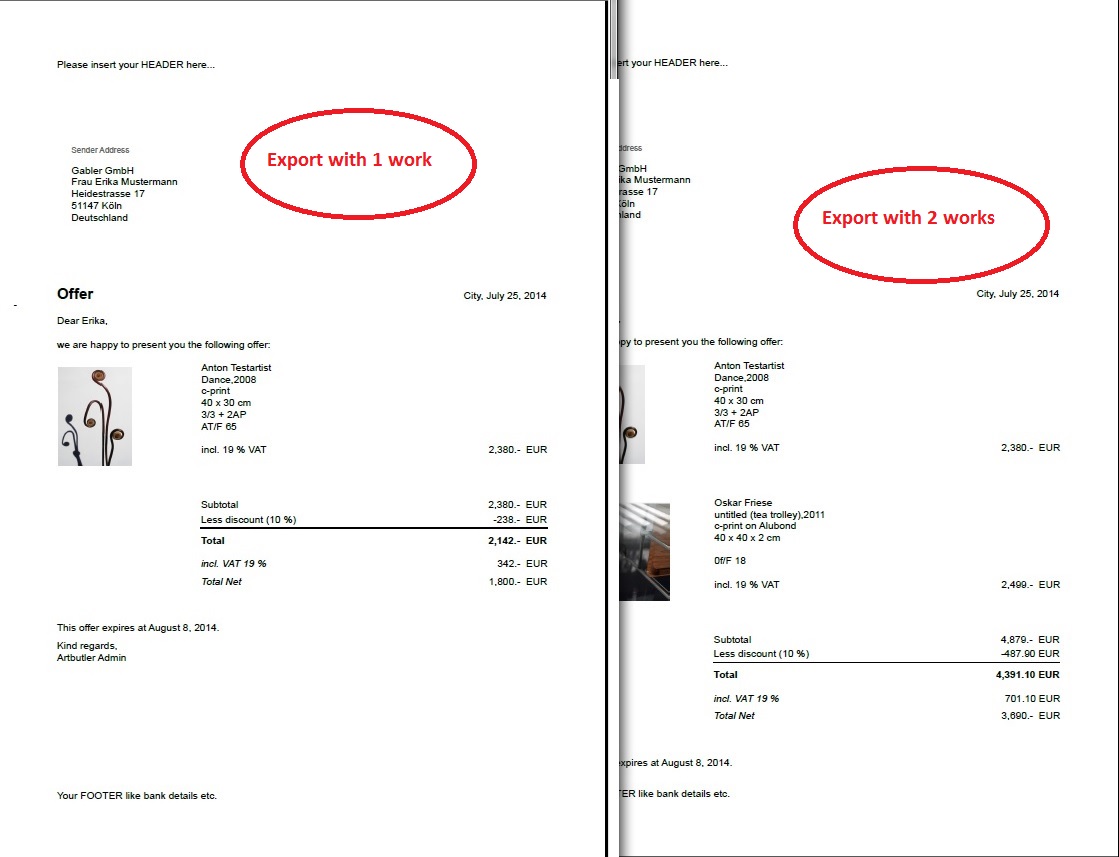
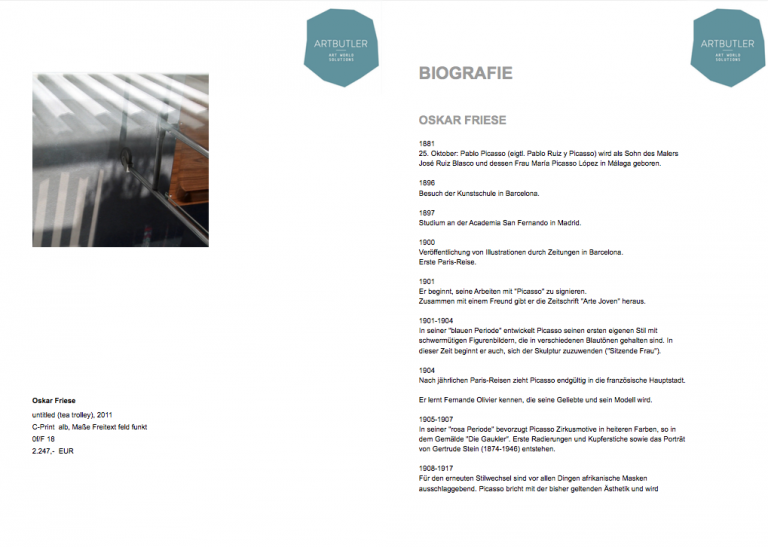
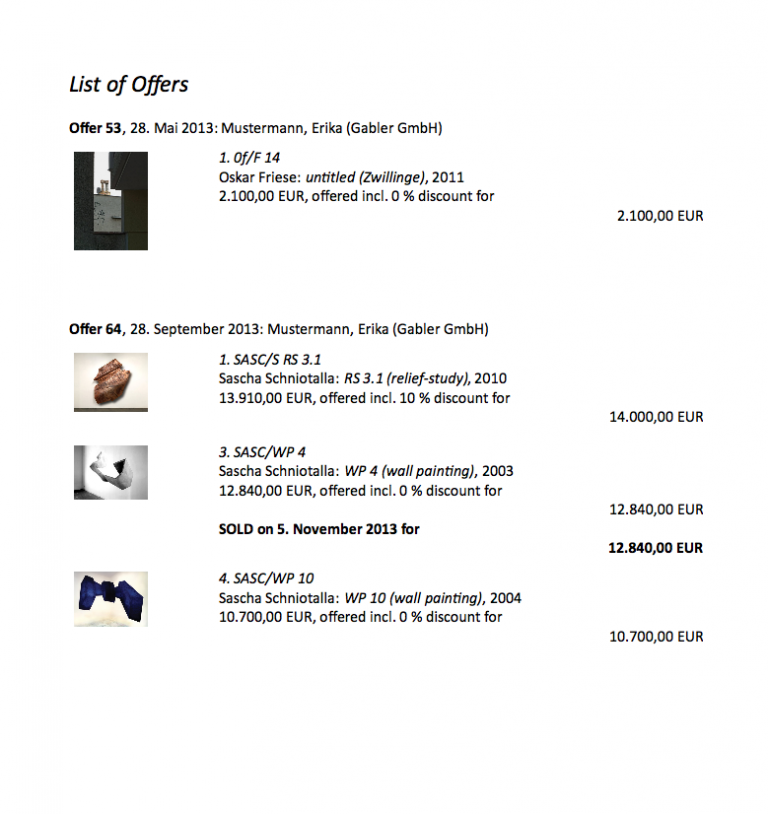
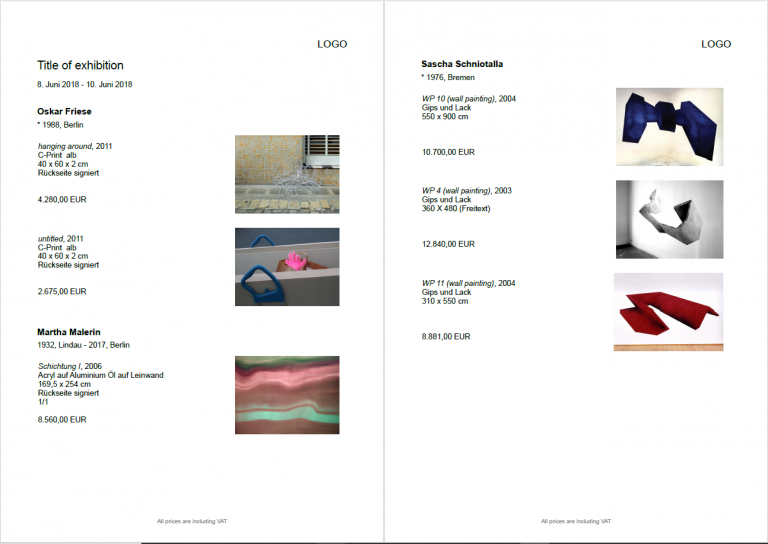
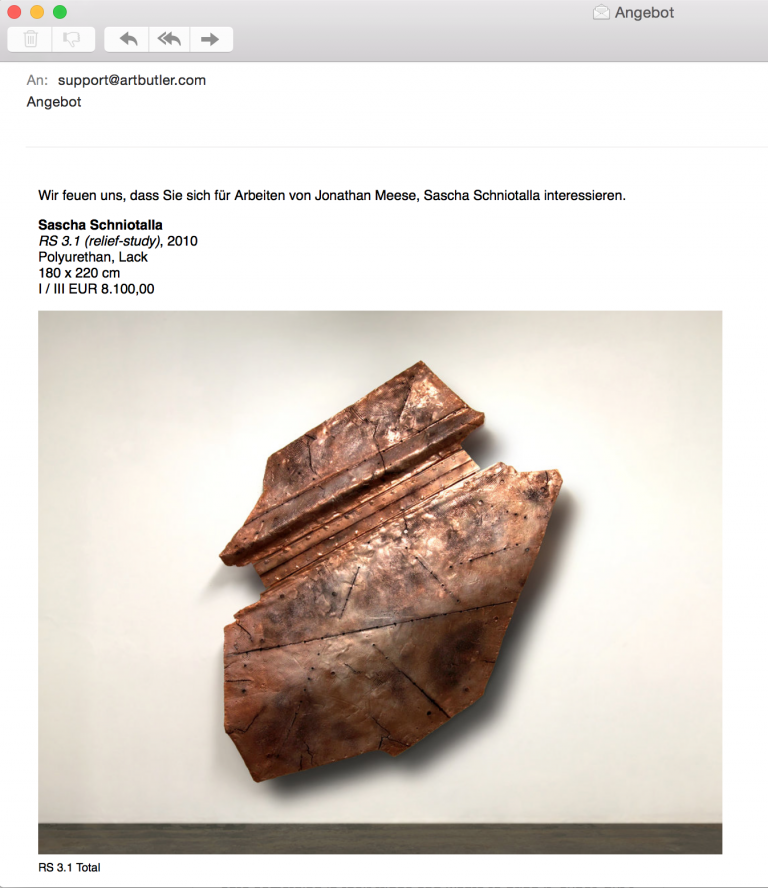
Create an offer with several work images and the biography of the artist. This export template can also be used to show works by different artists. These are visibly separated by a heading with the artist’s name and the biographies are output at the end of the document.
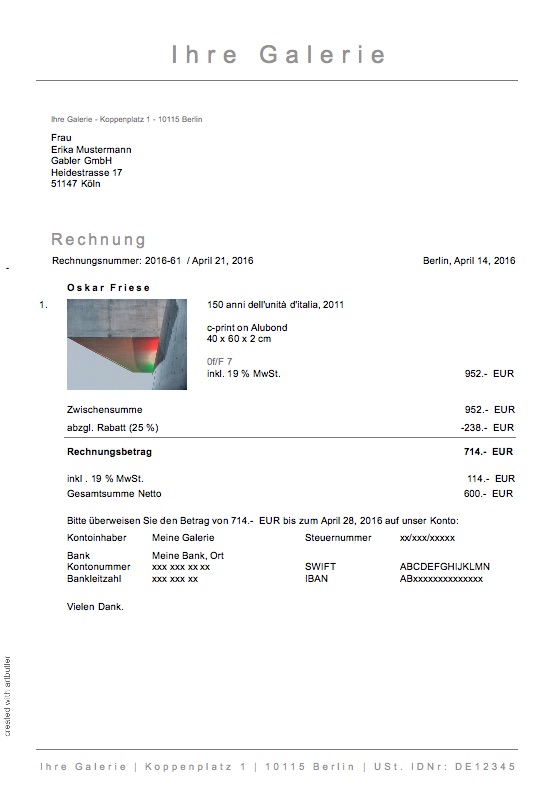
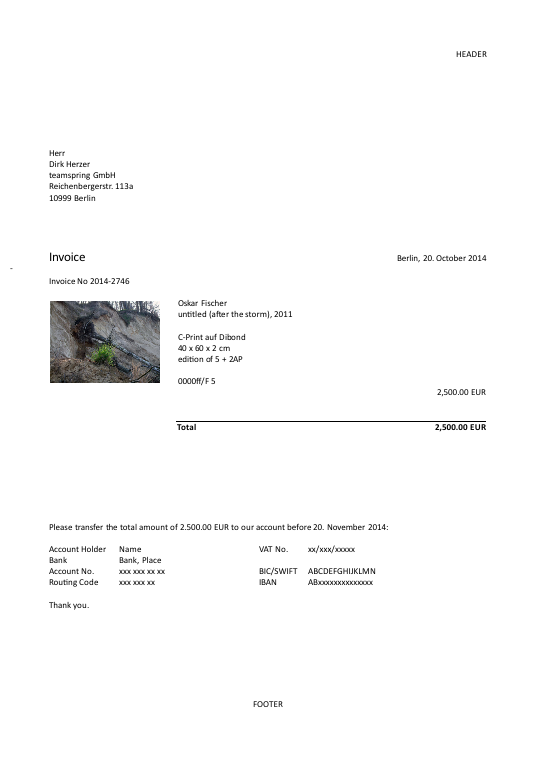
Create offers for your works with corresponding images and work data, the ProvLines from Invoices and Literature, as well as the biography of the artist.
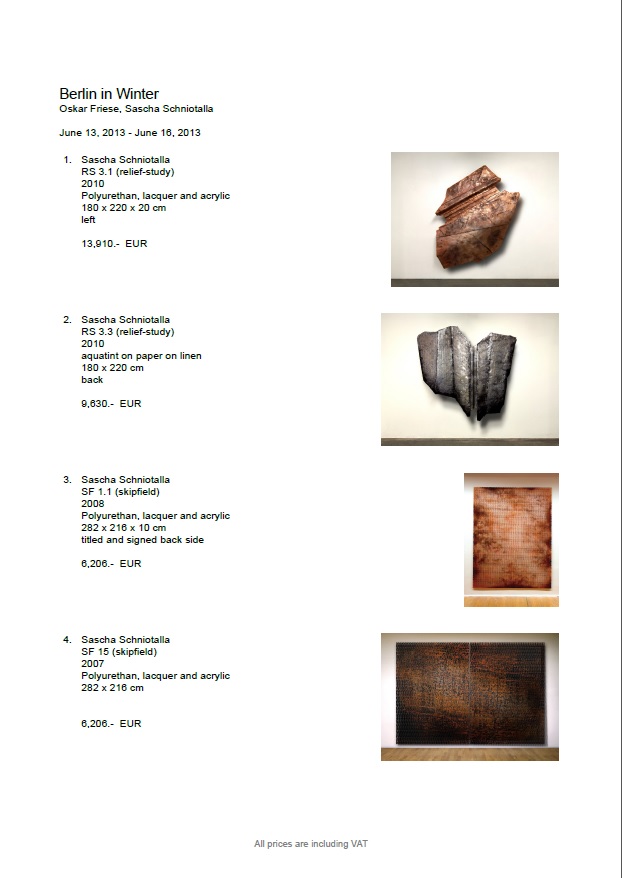
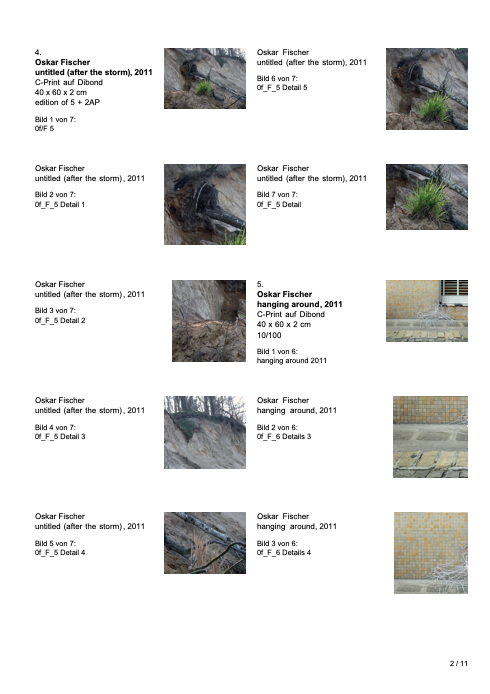
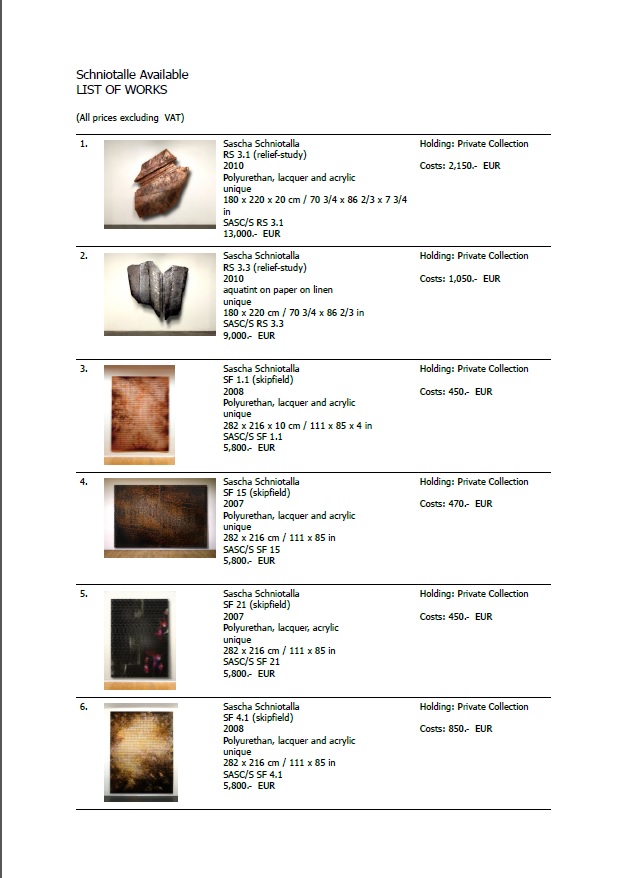
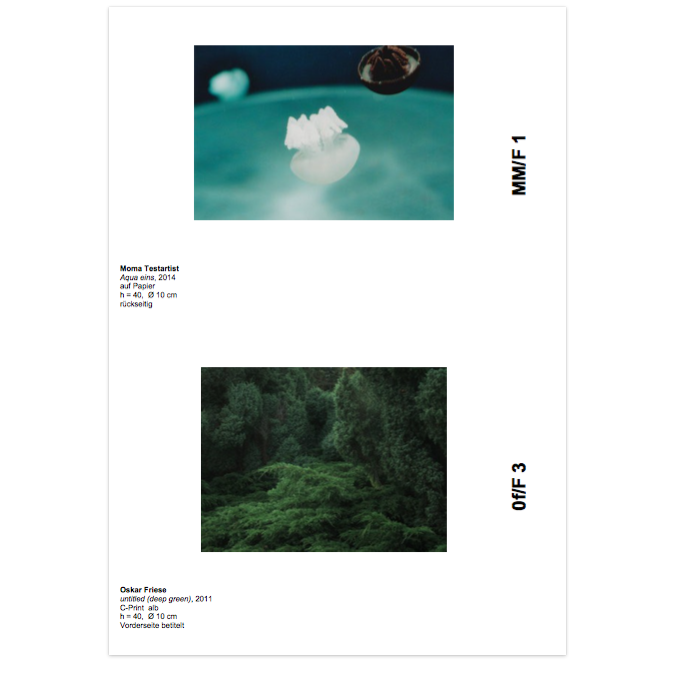
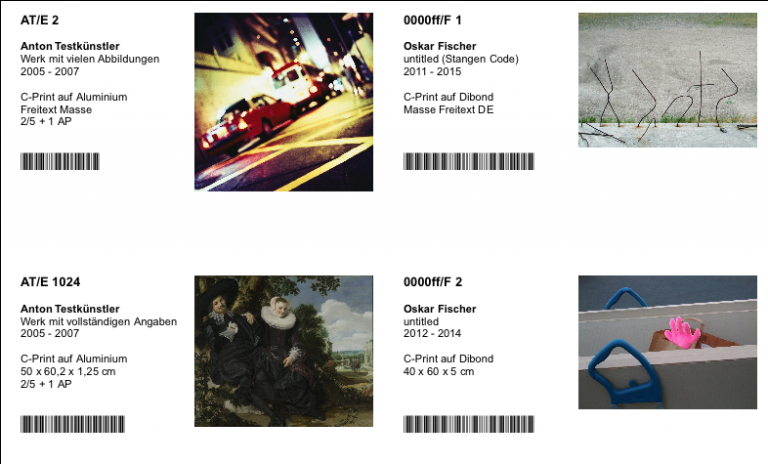
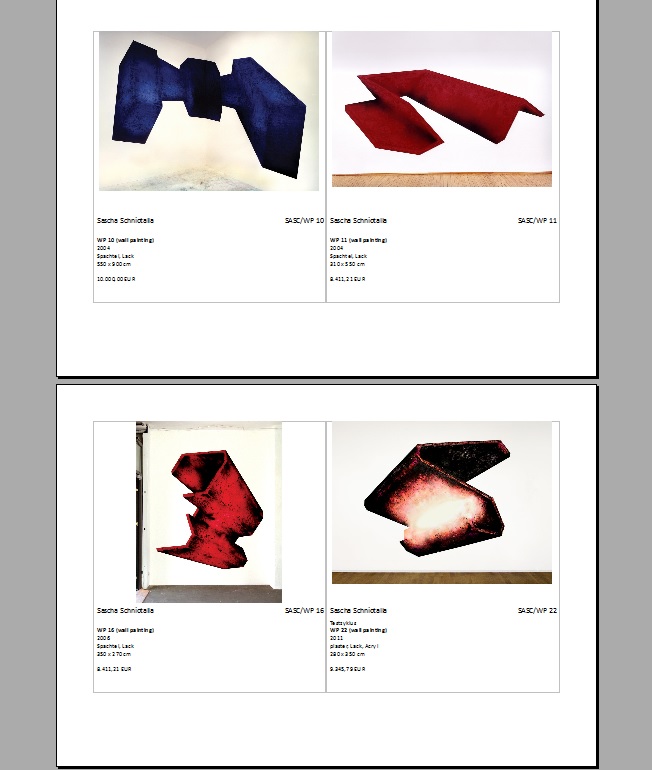
Diese Exportvorlage erzeugt eine Werkliste mit dem eingetragenen Titel der Werkgruppe bzw. der Ausstellung. Folgend erscheint eine Abbildung die wichtigsten Werkdaten. Pro Seite können bis zu vier Werke gezeigt werden.
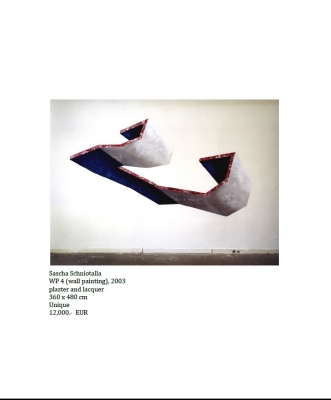
Exports the name of the artists and the name of the exhibition or the workgroup on a cover sheet and then the standard image of the work in full size as well as the captions and the net price on the following pages.
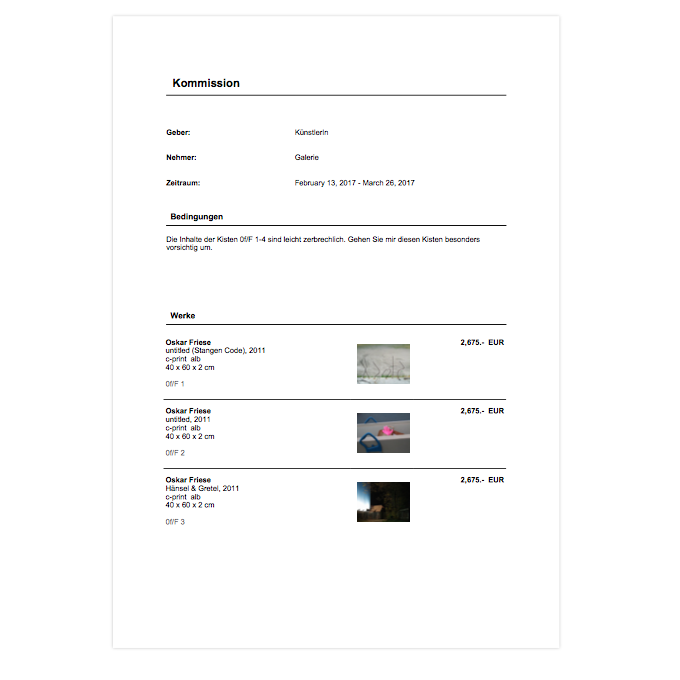
Use this export template to create a document with consignor, consignee, period and conditions of the commission as well as a list of works with general data and the default image of the works.
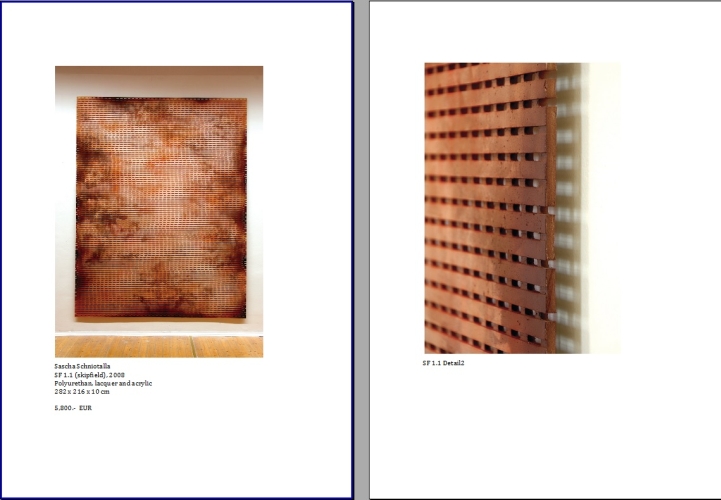
Exports the name of the artists and the name of the exhibition or the workgroup on a first page and then the standard image of the work as well as the captions and the net-price to the following page. If there are additional images saved with the work they will be exported to the following pages together with the title of the image.
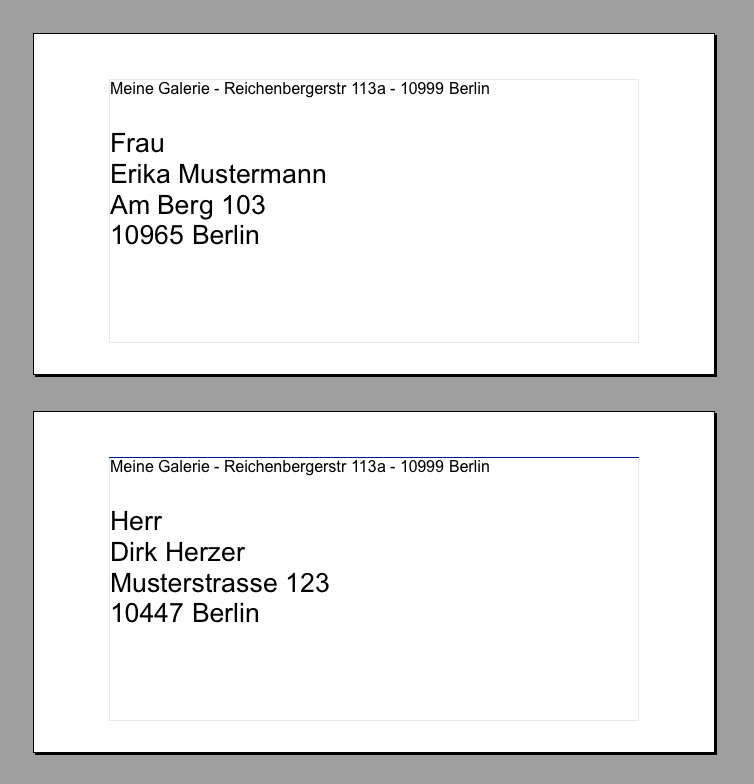
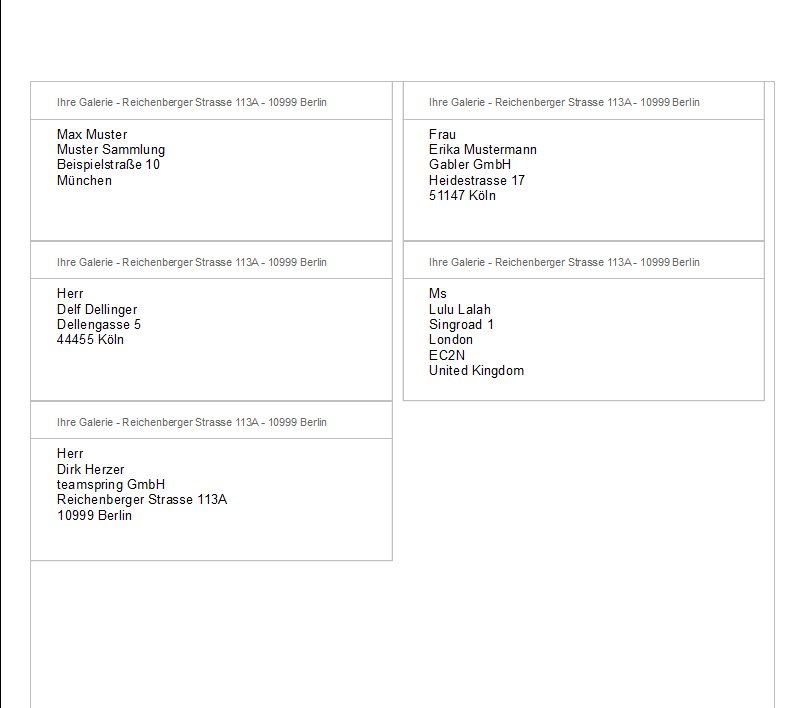
With this template you can easily create an address label. Use it in the "label" export section and choose a label size of 9,6 x 4,2cm in the export configuration.
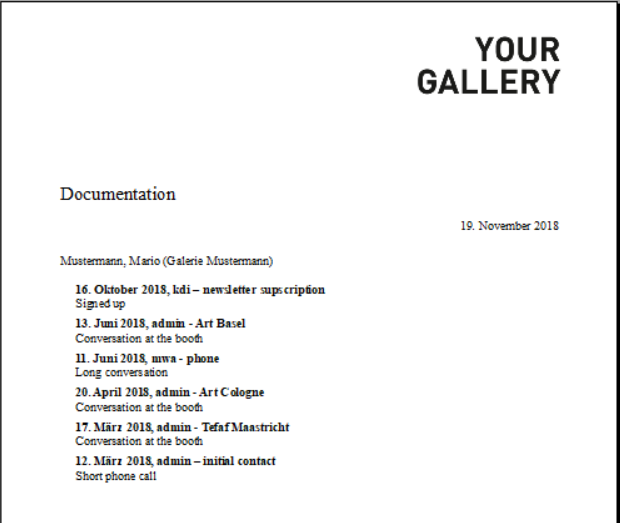
With these templates you can output the entries from your documentation tab in order to have a structured overview of the communication with your contacts.
Use this export template to transfer contact information to your iCloud Account in order to access you ARTBUTLER contacts on your iPhone, iPad and Mac.
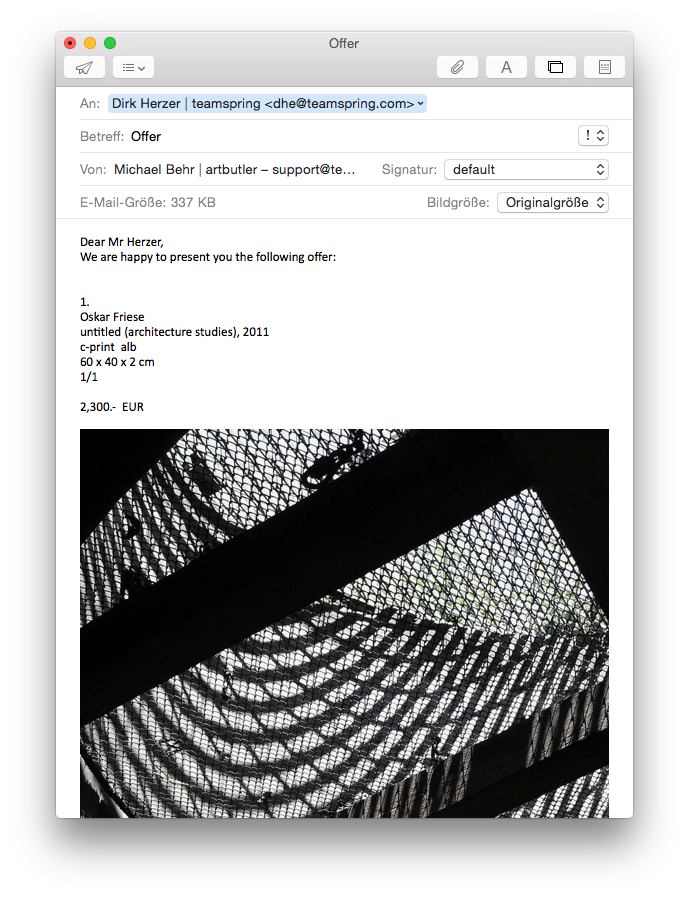
With ARTBUTLER 2.11 and higher you are able to export emails in HTML format, which lets you send offers or work list in emails with the images embedded in the mail text.
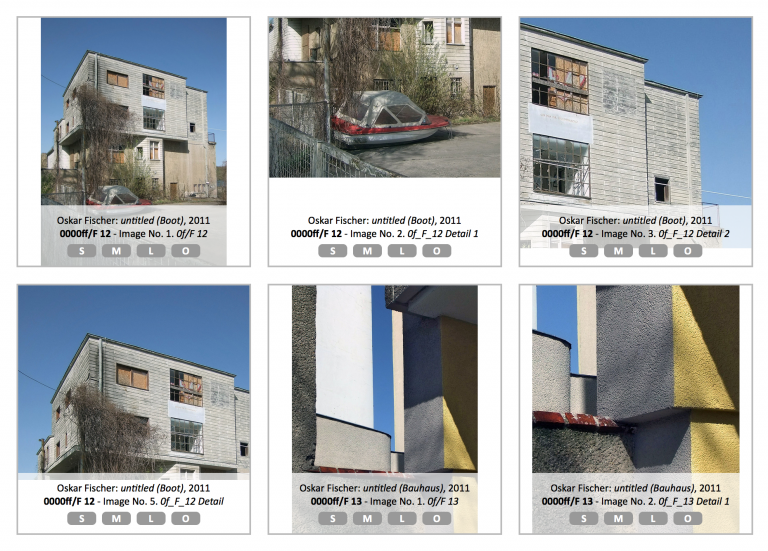
You have certain works that have a lot of images assigned? This export template will help you to create an overview of all these images in your browser.
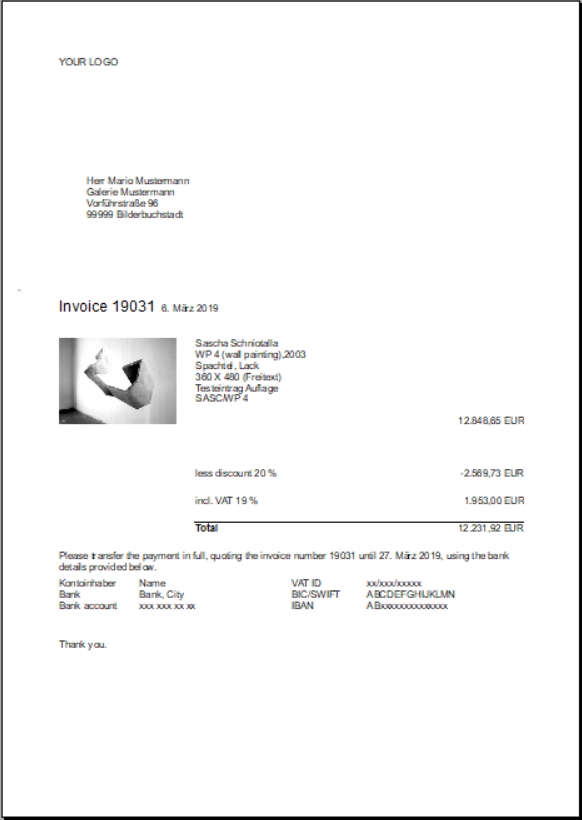
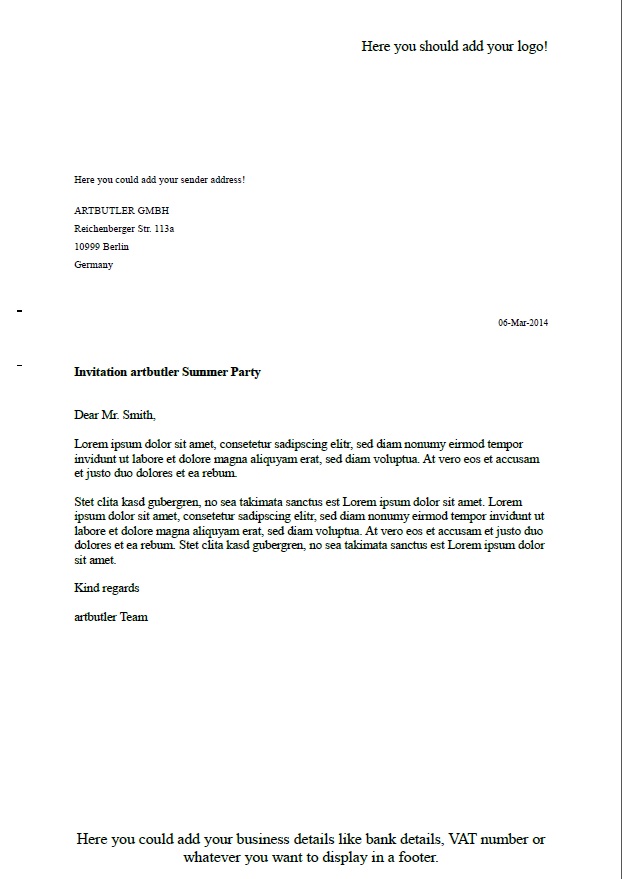
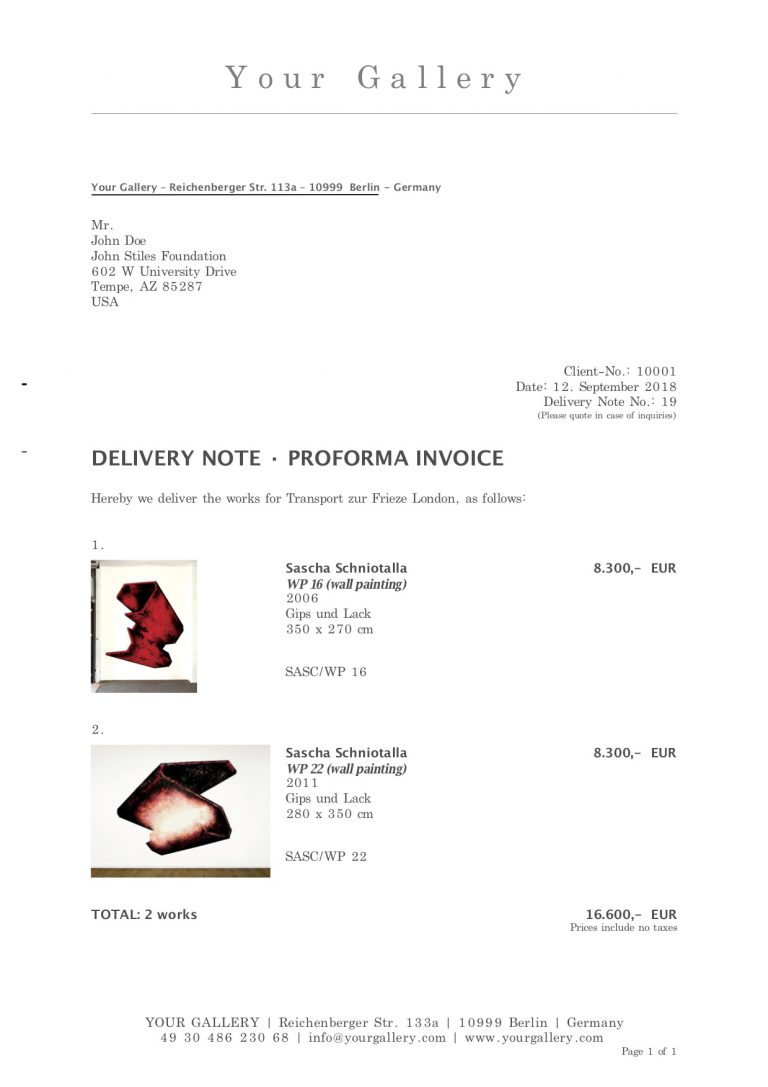
We are providing you with a collection of default export templates so you can quickly start working with ARTBUTLER PRO. All templates are already linked with the empty initial database of ARTBUTLER.
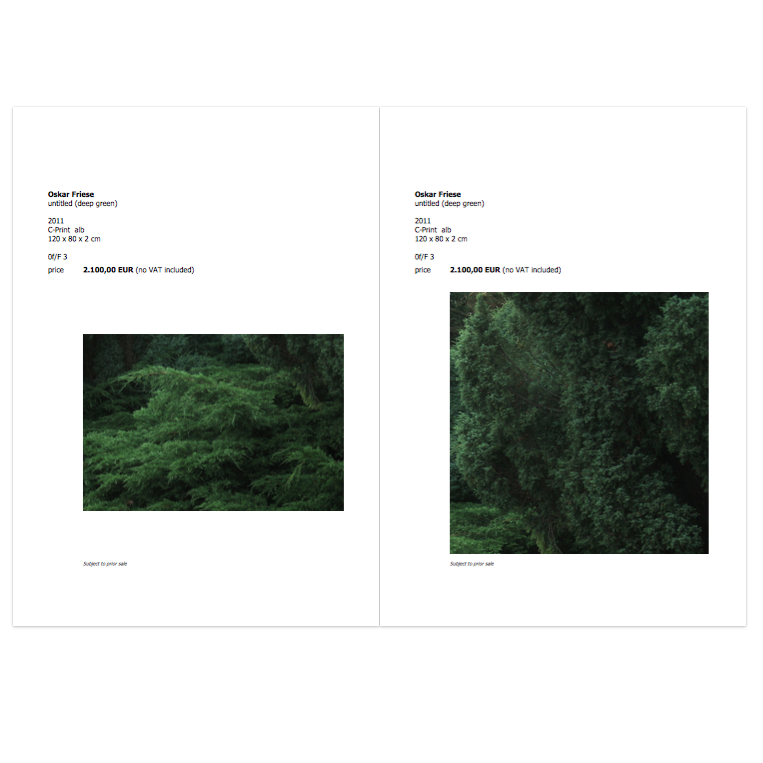
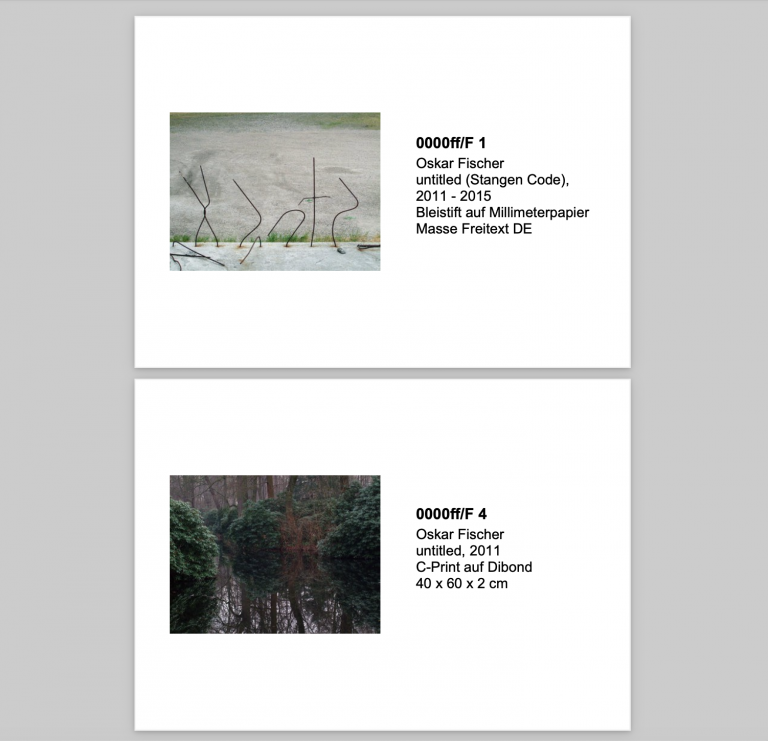
2 pages per work including a large image with the basic captions on the first page and then a small image with more comprehensive captions on the second page.
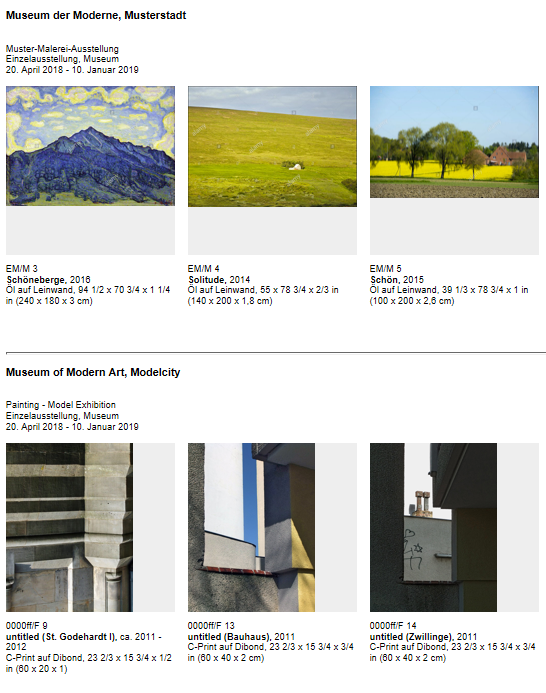
This template provides visual image overviews very easily in your web-browser. It enables you to sort, specify and use your final selection easily in artbutler. The export shows an image per work and the basic information incl. the net listprice.
This report gives an overview over the total value of a holding or collection with the works grouped by type, e.g. paintings, drawings, and sculptures. It exports an Excel file with the aggregated works and their various total and average values – list price, insurance price, purchase price – per worktype. It can be restricted […]